> For the complete documentation index, see [llms.txt](https://appassion.gitbook.io/diwo/llms.txt). Markdown versions of documentation pages are available by appending `.md` to page URLs; this page is available as [Markdown](https://appassion.gitbook.io/diwo/diwo-nft-marketplace.md).
# Diwo - NFT Marketplace
DiWo is a modern looking NFT marketplace app
***
## Intro
## Links
🖥️ [Preview link](https://nft-diwo.bubbleapps.io/)
🌐 [Template page on Bubble Marketplace](https://bubble.io/template/nft-marketplace-1648633429985x445271769251577860)
***
## Screenshots
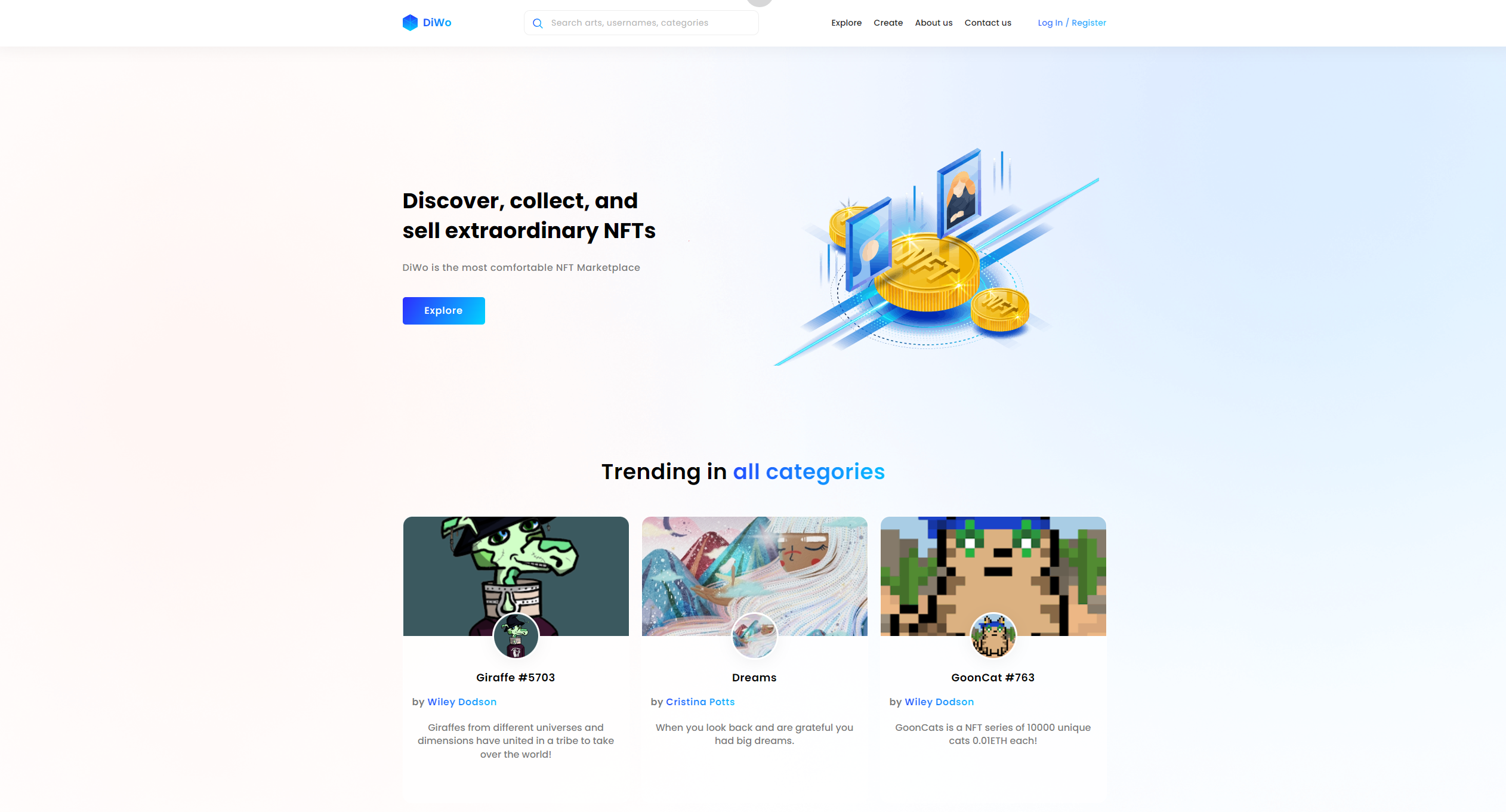
Index page
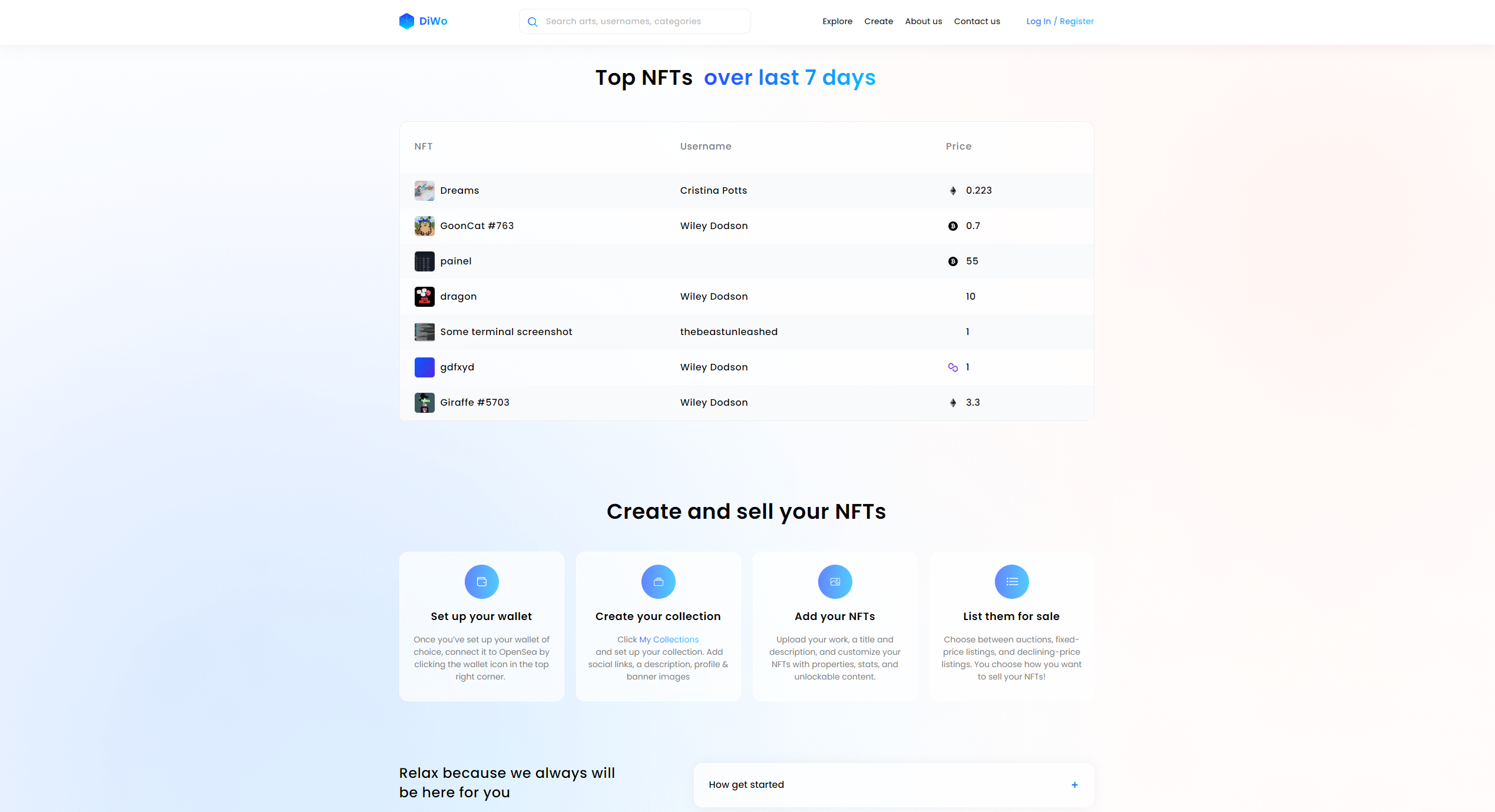
Features
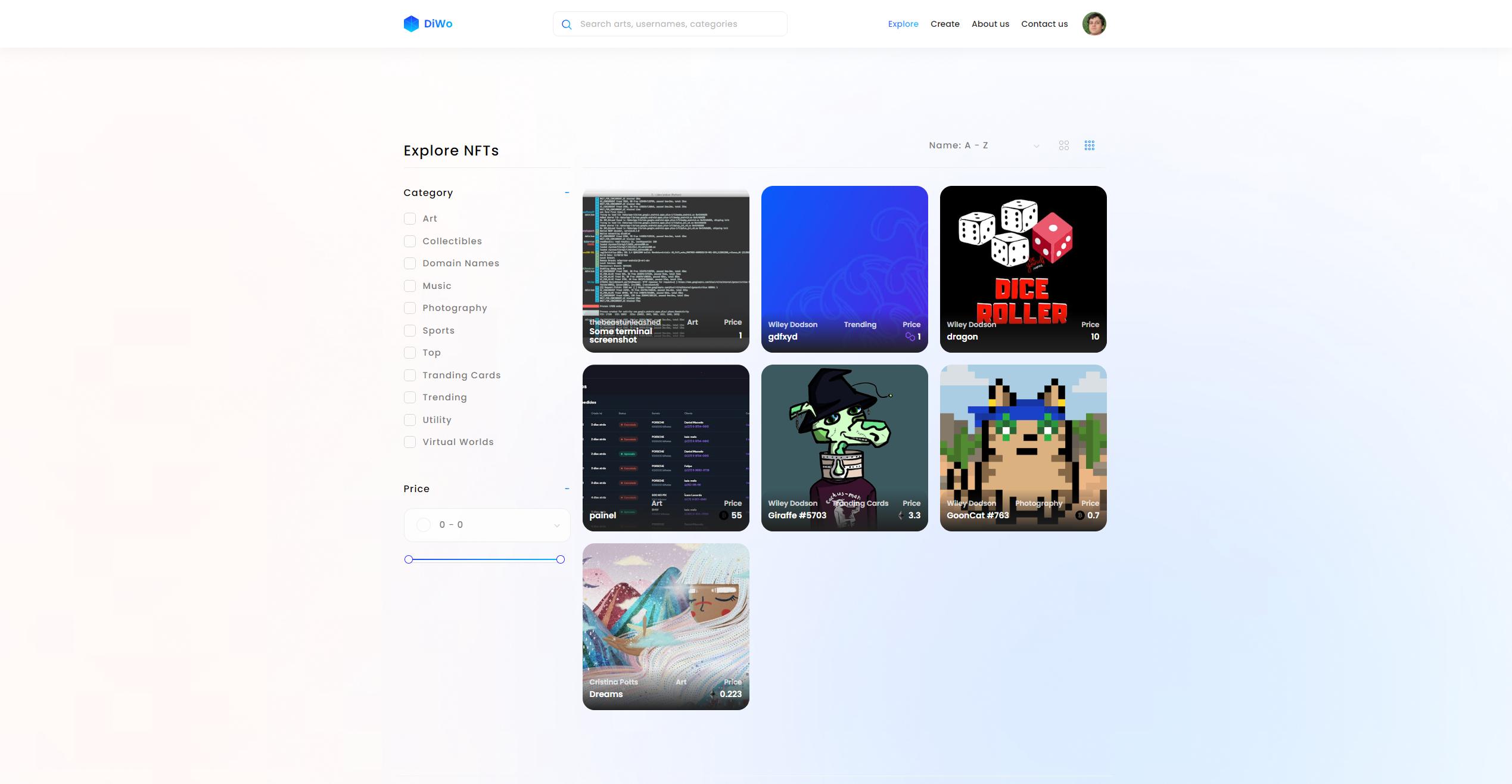
Explore page
Dashboard page
About us
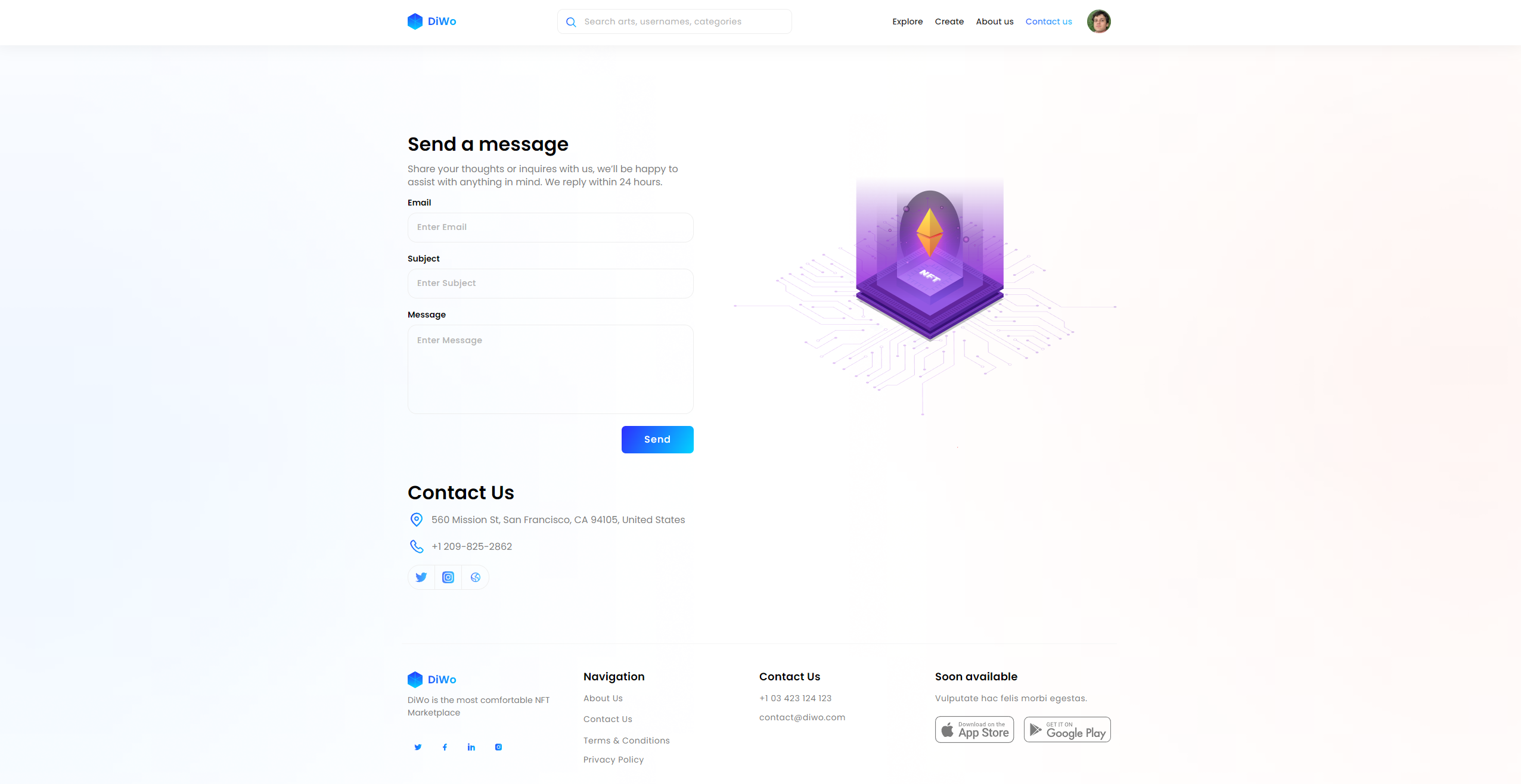
Contact us
***
## Template details
NFT DiWo - digital marketplace template for crypto collectibles and non-fungible tokens (NFTs) with modern and minimalistic design. With this #nocode template you can buy, sell, and discover exclusive digital items.
Diwo template features the following:
✅ New Responsive design
✅ Signup/Login
✅ User dashboard
✅ Create and edit NFTs
✅ Buy NFTs
✅ See the collection of bought and added NFTs
✅ Search by category
✅ View the price history of each NFT
✅ View the item activity
This template is sold "as is" but if there are any critical bugs, feel free to reach out. Our team will try to fix them ASAP.\
\
We tried to keep all the workflows and design architecture simple for beginner-intermediate users to use and adjust. However, we recommend having at least moderate experience with Bubble to be able to fully use and edit the app’s backend.\
\
If you need any assistance to customize this template for your personal or business project, feel free to reach out to our team via . We are always there to help build new products and mobile/web applications.\
\
We hope this template would become a great starting point for your project.
{% hint style="warning" %}
***Removing the banner***
***1. Open the app in Bubble editor***
***2. Go to settings -> SEO/Metatags***
***3. Remove the content of "Script in the body"***
{% endhint %}
***
## User flows
**Main User flow:**
-> Sign up/login; -> NFT search -> View NFT description -> Buy NFT -> Adding/Editing a NFT -> View NFT collection -> View and analyze Price History and Item Activity
***
## Key features
NFT MARKETPLACE
true
RELATIVE TIME
false
CHART ELEMENT
true
WALLET INTEGRATION
true
NFT CREATOR TOOLS
true
TOKENIZATION SUPPORT
false
## Workflows
### Primary colors and their purposes
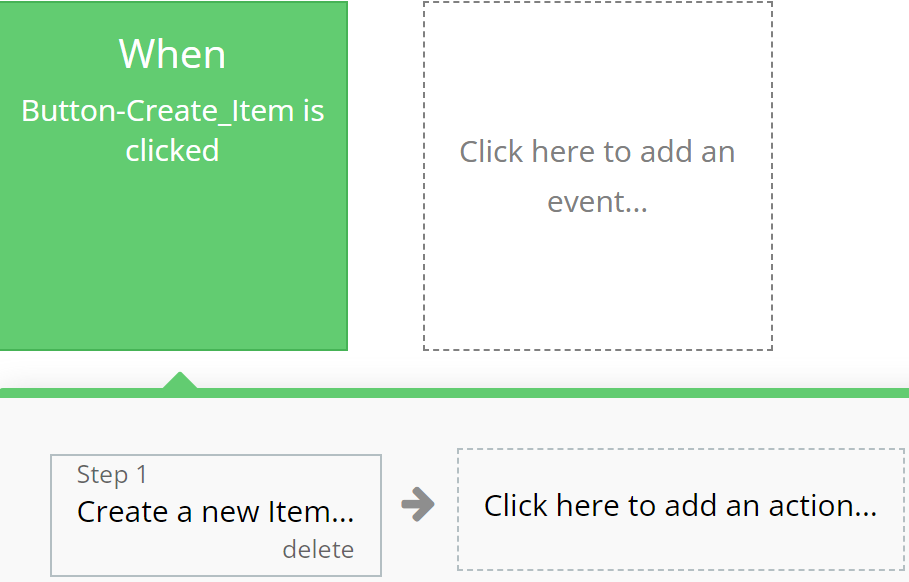
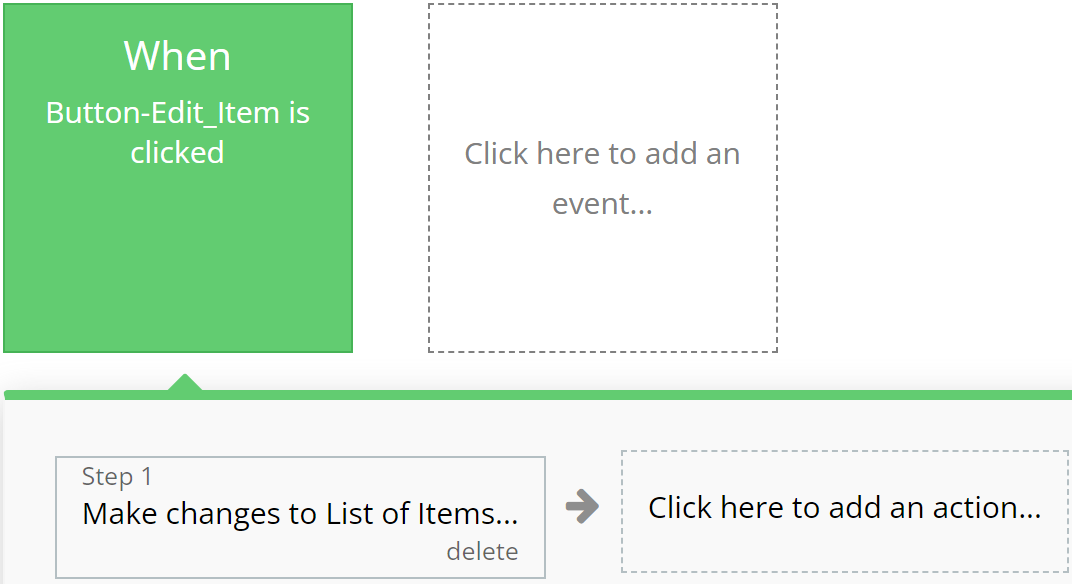
### **Green**
Emphasizes actions related to creating or modifying records in the database, indicating successful operation completion.
**For example:**
{% tabs %}
{% tab title="Example 1" %}
{% endtab %}
{% tab title="Example 2" %}
{% endtab %}
{% endtabs %}
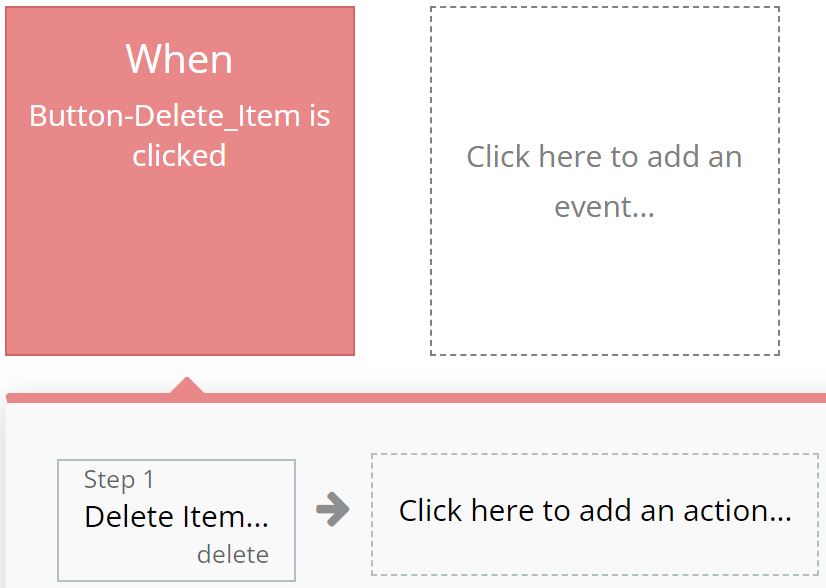
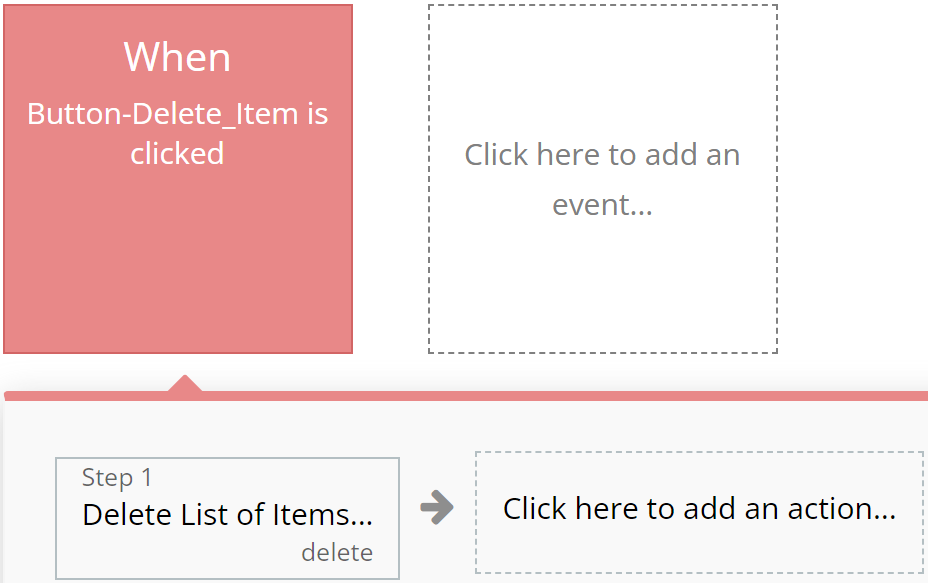
### **Red**
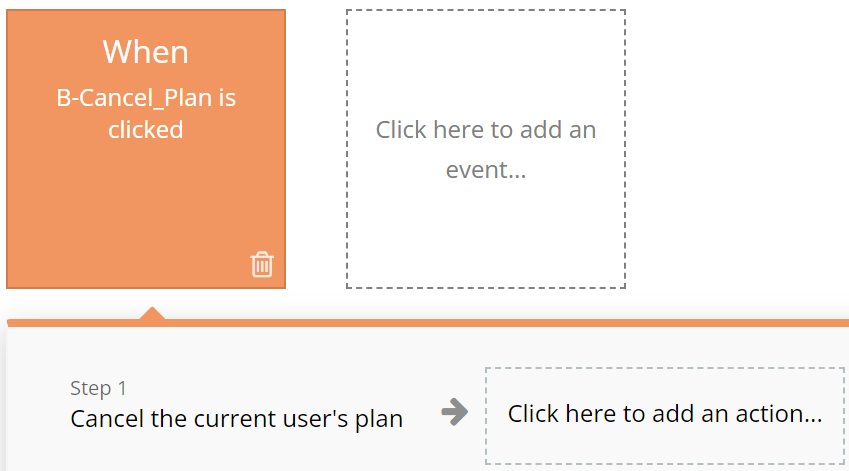
Designated for actions involving deletion or resetting of values, aiding users in quickly identifying them.
**For example:**
{% tabs %}
{% tab title="Example 1" %}
{% endtab %}
{% tab title="Example 2" %}
{% endtab %}
{% endtabs %}
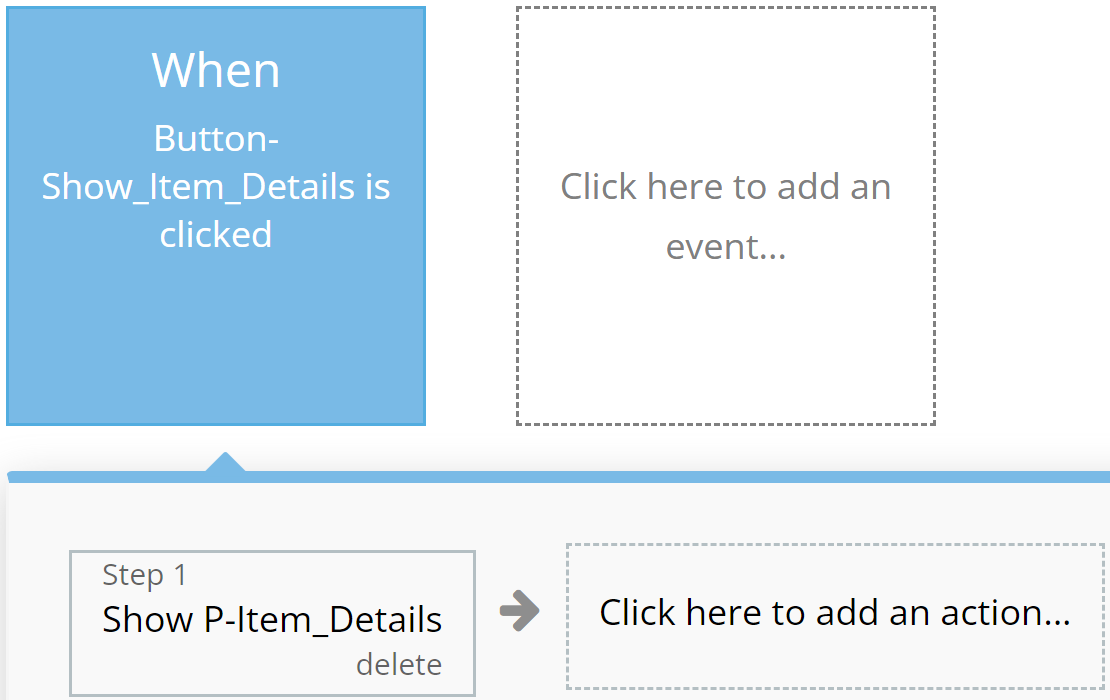
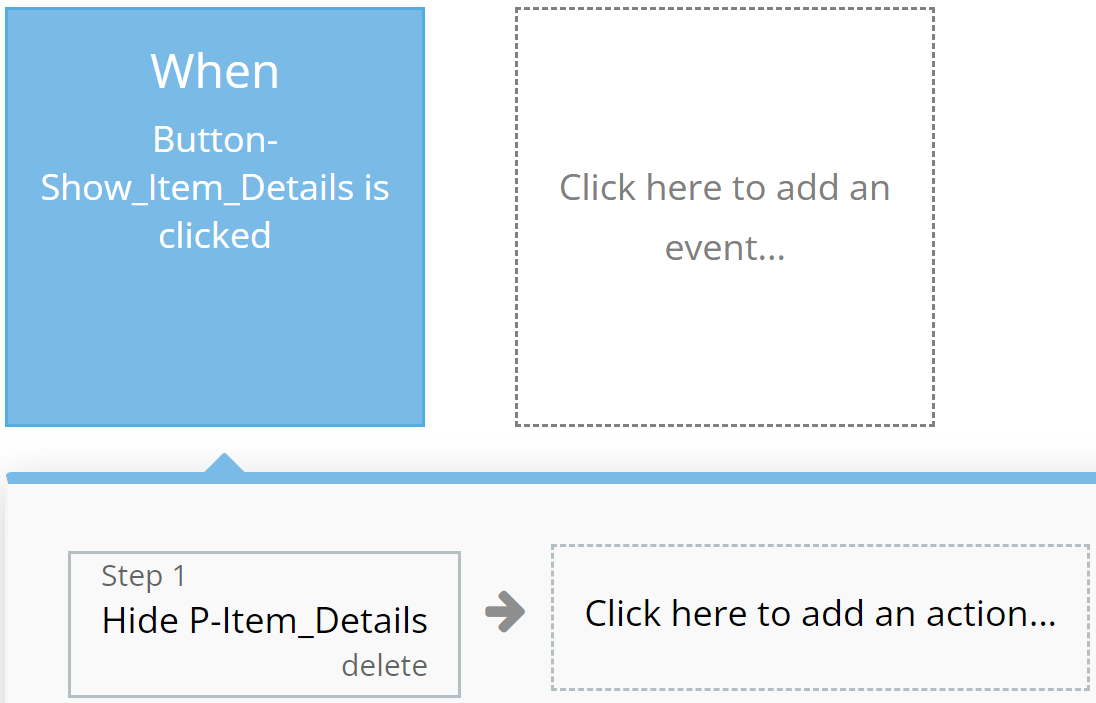
### **Blue**
Reserved for actions that do not impact application resources, such as opening or closing pop-up windows.
**For example:**
{% tabs %}
{% tab title="Example 1" %}
{% endtab %}
{% tab title="Example 2" %}
{% endtab %}
{% endtabs %}
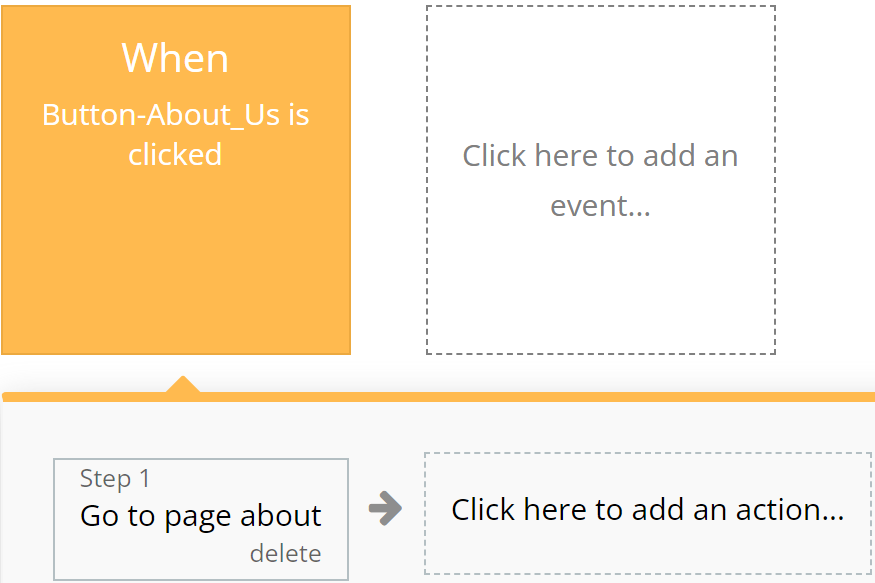
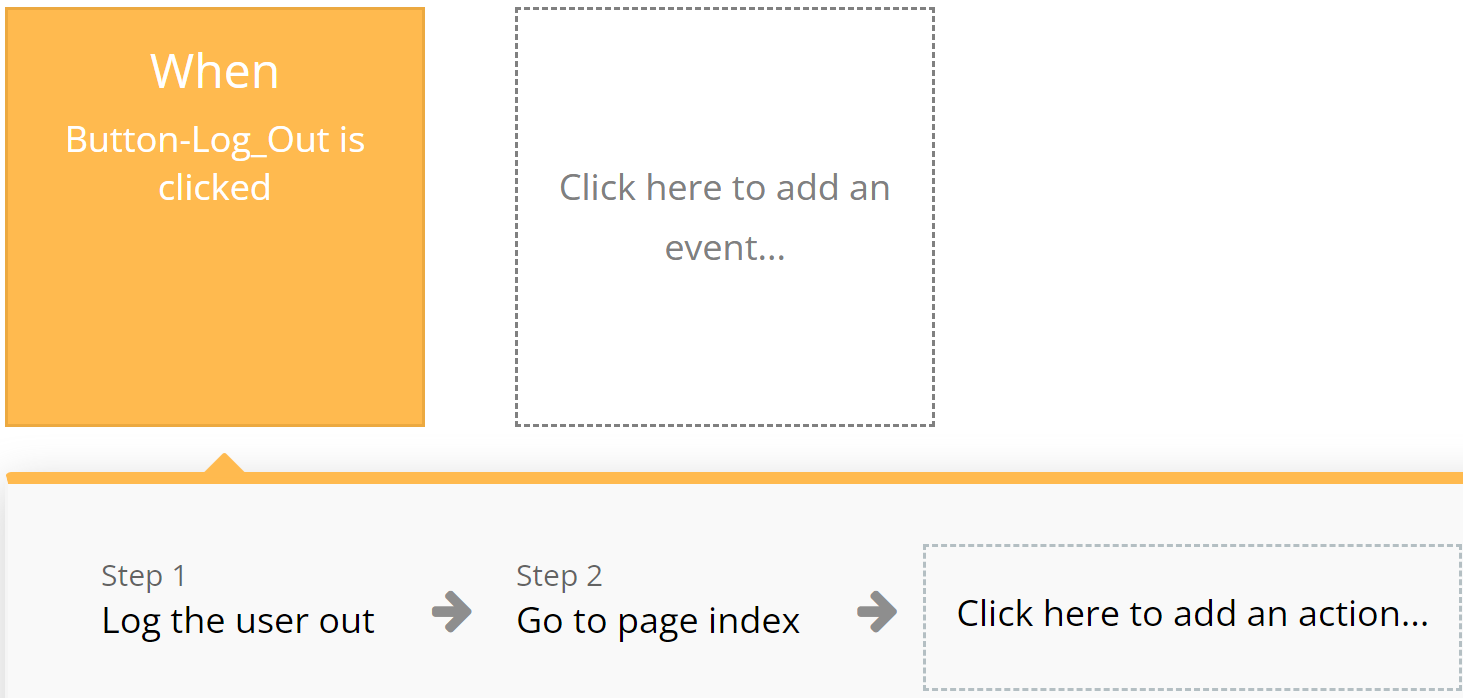
### **Orange**
Used for actions related to app navigation, providing ease of orientation within the interface.
**For example:**
{% tabs %}
{% tab title="Example 1" %}
{% endtab %}
{% tab title="Example 2" %}
{% endtab %}
{% endtabs %}
### **Brown**
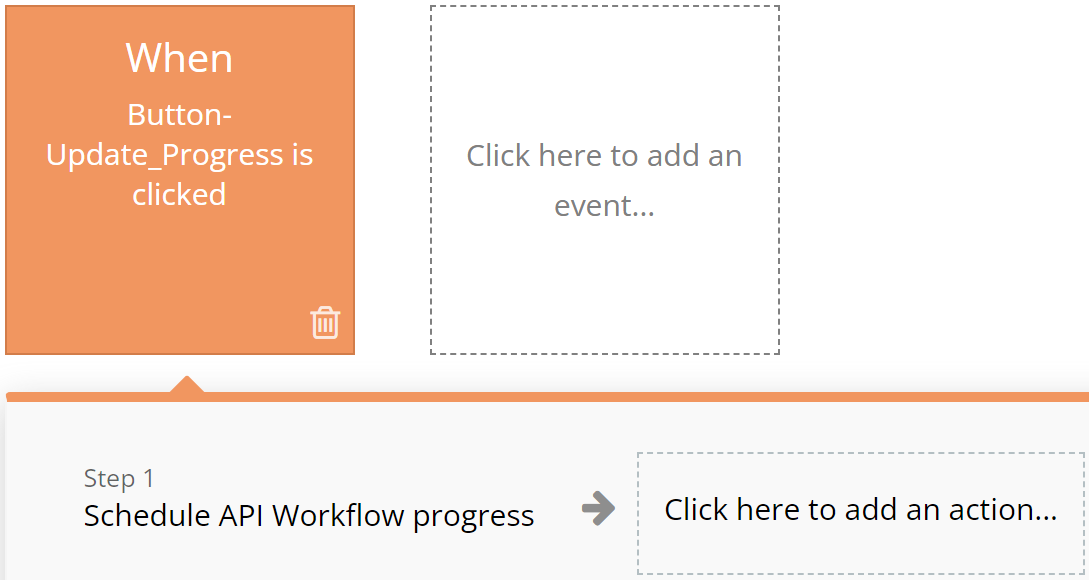
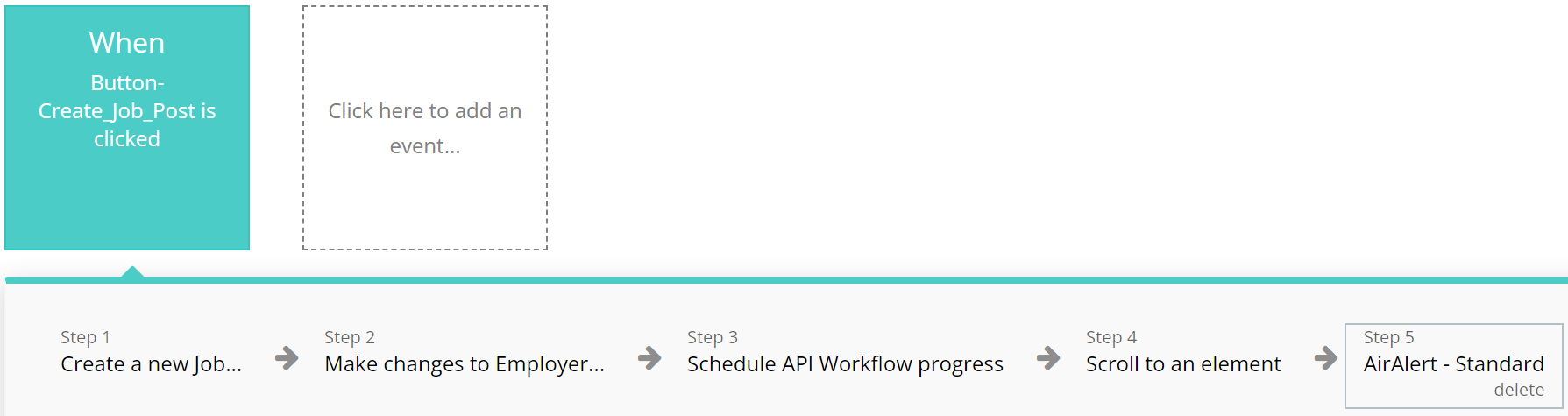
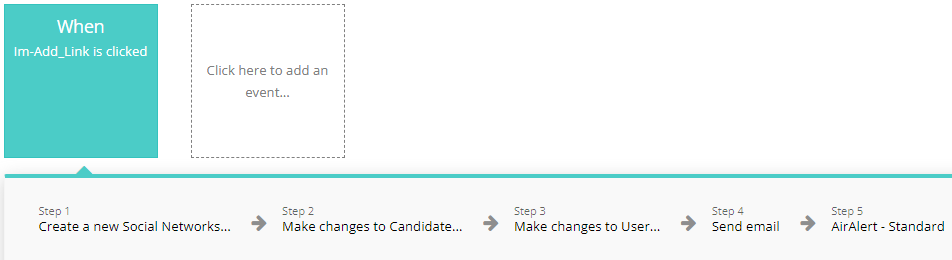
Utilized for custom workflows and API work, highlighting these actions among others.
**For example:**
{% tabs %}
{% tab title="Example 1" %}
{% endtab %}
{% tab title="Example 2" %}
{% endtab %}
{% endtabs %}
### **Purple**
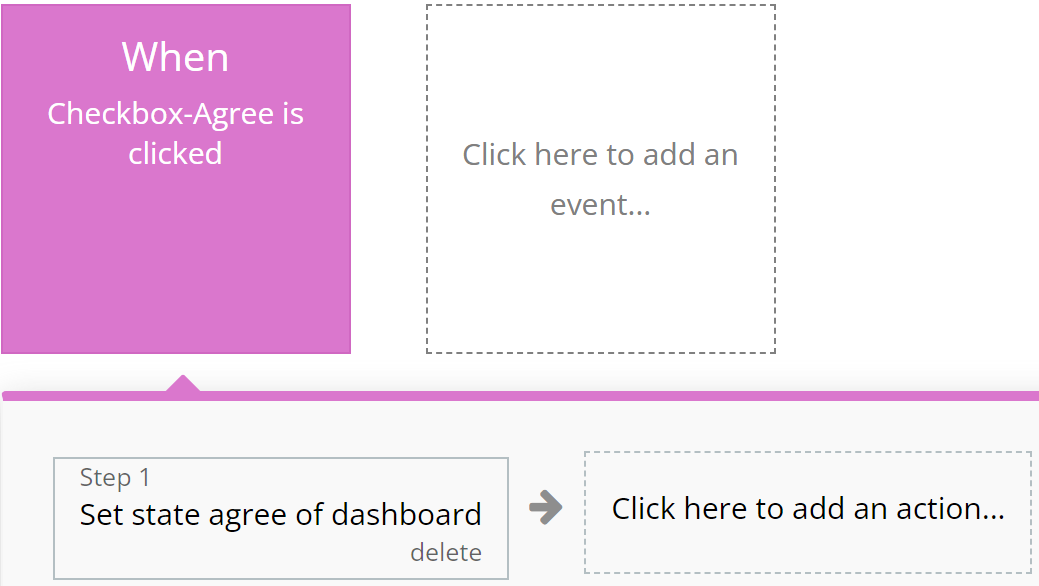
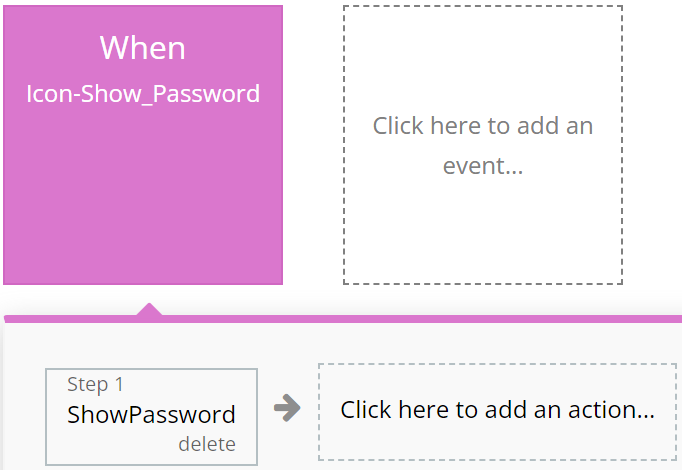
Left to the developer's discretion for assigning color to actions as they see fit.
**For example:**
{% tabs %}
{% tab title="Example 1" %}
{% endtab %}
{% tab title="Example 2" %}
{% endtab %}
{% endtabs %}
### **Cyan**
**I**ntended for actions involving the use of Custom Events, ensuring ease of perception for complex operations.
**For example:**
{% tabs %}
{% tab title="Example 1" %}
{% endtab %}
{% tab title="Example 2" %}
{% endtab %}
{% endtabs %}
### **Grey**
Employed for all other actions not covered by other colors, aiding in making the interface clear and balanced.
For example:
{% tabs %}
{% tab title="Example 1" %}
{% endtab %}
{% endtabs %}
{% hint style="warning" %}
These standards are purely recommendations. Possible discrepancies do not affect the functionality of the application.
{% endhint %}
***
## Pages
*Below, you will find a list of all the pages available on this platform, along with a brief description of their functionality.*
\ **Index:** Explore our landing page for insights on the template, featuring descriptions, a company directory, job openings, candidate resumes, and authentic user reviews.
**Account Preview:** This page contains user content with all necessary information and statistics.
**Dashboard:** A user dashboard providing essential and up-to-date information.
* "My NFTs" shows all the NFTs the user has.
* "Create NFT" allows the user to create their own NFT.
* "Profile" contains all the information about the user and again allows the user to modify it.
* "Settings" section where the user can change the password and email.
**Docs:** Access all necessary platform documentation, including Privacy Policy, Terms & Conditions, and Frequently Asked Questions (FAQ).
**Explore:** This page contains all the NFTs on the site and also a sorting bar where you can sort NFTs by category or price
**Product\_Page:** This is page with all the information about NFT, such as description, price, details and others.
**About Us:** Embark on a two-step registration process for companies looking to publish job openings, providing essential company information.
**Contact\_Us:** Connect with platform administrators effortlessly through our user-friendly contact page.
**Reset Password:** Effortlessly reset your password and receive updated login credentials for seamless access.
**Login:** Page where the user can log in to the site or create an account.
***
## Reusable elements
1. **Header**- the top part of a web page containing the logo, application name, navigation elements, and other important components. Found on all application pages.
2. **Footer** - a section at the bottom of a web page containing additional information such as contacts and links. Used in the following pages: Found on all application pages.
3. **More Social**- this item contains information about social networks. Used in the following pages: dashboard.
***
## Data Types
### Art
This data type is designed for storing all NFT related information.
| Field name | Type | Notes |
| --------------- | ------------------------------------------- | ------------------ |
| `Category` | [`Categories`](#categories) | Category name |
| `Chain` | [`Chain`](#chain) | Chain name |
| `Description` | `Text` | Art description |
| `External Link` | `Text` | Art link |
| `History` | `List of` [`Item Activity`](#item-activity) | Art history |
| `Image` | `Image` | Art image |
| `Name` | `Text` | Art name |
| `Owner` | [`User`](#user) | Art owner |
| `Price Buy` | `Number` | Art buy price |
| `Price Sell` | `Number` | Art sell price |
| `Publish` | `Yes/No` | Art publish status |
### Categories
This data type is designed for storing information related to Categories.
| Field name | Type | Notes |
| ---------- | -------- | -------------- |
| `ID` | `Number` | Category id |
| `Image` | `Image` | Category image |
| `Name` | `Text` | Category name |
### Chain
This data type is designed for storing information related to Chain.
| Field name | Type | Notes |
| ---------- | ------- | ---------- |
| `Logo` | `Image` | Chain logo |
| `Name` | `Text` | Chain name |
### FAQ
This data type is designed for storing information regarding Answers and Questions.
| Field name | Type | Notes |
| ---------- | ------ | ---------------- |
| `Answer` | `Text` | Answer content |
| `Question` | `Text` | Question content |
### Item Activity
This data type is designed for storing information regarding Item Activity.
| Field name | Type | Notes |
| -------------- | ----------------- | -------------------------- |
| `Art` | [`Art`](#art) | Art name |
| `Buyer` | [`User`](#user) | Buyer name |
| `Chain` | [`Chain`](#chain) | Chain name |
| `Event` | `Text` | Item activity event |
| `Price` | `Number` | Item activity price |
| `Price Change` | `Number` | Item activity price change |
| `Seller` | [`User`](#user) | Seller name |
### Newsletter
This data type is designed for storing information regarding Newsletter.
| Field name | Type | Notes |
| ---------- | ------ | ---------------- |
| `Email` | `Text` | Newsletter email |
### Social Network
This data type is designed for storing all information related to Social Networks
| Field name | Type | Notes |
| ---------- | ---------------------------------------------------------------------------------- | ------------------- |
| `Link` | `Text` | Social network link |
| `Social` |
| Social network name |
### User
This data type is designed for storing all information related to User.
| Field name | Type | Notes |
| ---------------- | ---------------------------------------------- | -------------------- |
| `Active` | `Yes/No` | User active status |
| `Art Buy` | `List of` [`ARTs`](#art) | Arts bought by user |
| `Art Create` | `List of` [`ARTs`](#art) | Arts created by user |
| `Avatar` | `Image` | User avatar |
| `Banner` | `Image` | User banner |
| `Bio` | `Text` | User bio |
| `Links` | `List of` [`Social Networks`](#social-network) | User socials links |
| `User Name` | `Text` | User name |
| `Waller Address` | `Text` | User wallet address |
| `Email` | `Text` | User email |
***
## Option sets
#### Social OS
* Twitter
* Instagram
* Site
* Facebook
* Youtube
* Pinterest
* Google
#### Sort Diagrame
* All time
* Last week
* Last month
* Last year
#### Sort OS
* Price: Low - Hight
* Price: Hight - Low
* Name: A - Z
* Name: Z - A
#### Status OS
* Yes
* No
***
The template is available in its current form, however, further alterations can be negotiated.
Don't hesitate to reach out to us with any questions, and we'll gladly explore options to accommodate your concepts – Visit us at [https://appassion.io/](https://appassion.io/) or email us at
**We are always at your service through:** [Upwork](< https://www.upwork.com/agencies/1472948949083369472/>), [Clutch](https://clutch.co/profile/appassion#highlights). \