Hear Me - Blog Posting App
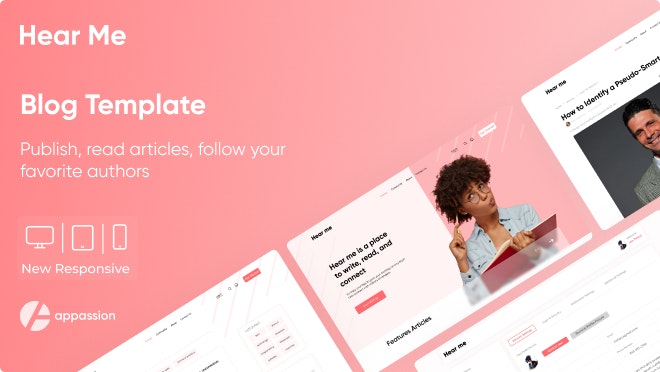
Hear Me" is a fully responsive blog management application with a modern design.
Intro

Links
🖥️ Preview link
🌐 Template page on Bubble Marketplace
Screenshots


Template details
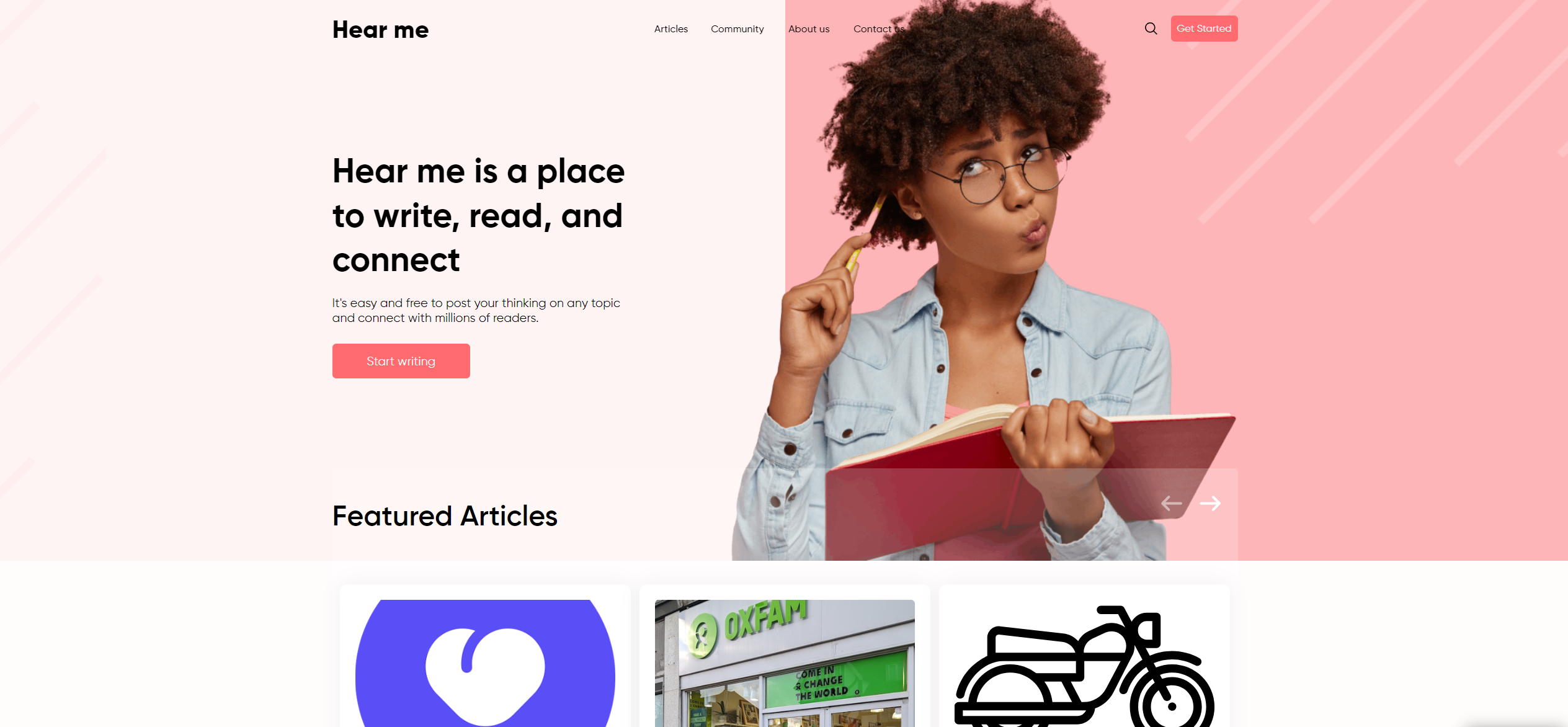
“Hear me” is a place to read and post articles. This is a blogging platform, for writers and content makers, similar Medium. Post, read and follow what you like. Share your ideas and articles easily with the community. Track number of total view and per article views and see how you perform against other writers.
Hear me template features the following:
✅ Web and mobile responsive
✅ Dashboard for creators with rich text editor and some analytics
✅ Great and easy to modify design
✅ Filter by tags/categories
✅ Search articles by keyword in topic and category
✅ Follow favorite writers
✅ Comment articles
✅ See number of views
✅ Leave likes
Responsive design - To provide a better mobile experience we've separated mob and web version on separate pages.
We tried to keep all the workflows and design architecture simple for beginner-intermediate users to use and adjust. However, we recommend having at least moderate experience with Bubble to be able to fully use and edit the app’s backend. If you need any assistance to customize this template for your personal or business project, feel free to reach out to our team via dev@appassion.io. We are always there to help build new products and mobile/web applications.
Removing the banner
1. Open the app in Bubble editor
2. Go to settings -> SEO/Metatags
3. Remove the content of "Script in the body"
User flows
Main Flow:
-> Registering a new user -> Navigating to the Dashboard page -> Create an Article -> View your Articles
Key features
ARTICLE PUBLISHING
USER ENGAGEMENT AND INTERACTION
PERSONALIZED READING EXPERIENCE
PERFORMANCE ANALYTICS
COMMUNITY BUILDING TOOLS
SOCIAL SHARING INTEGRATION
Workflows
Primary colors and their purposes
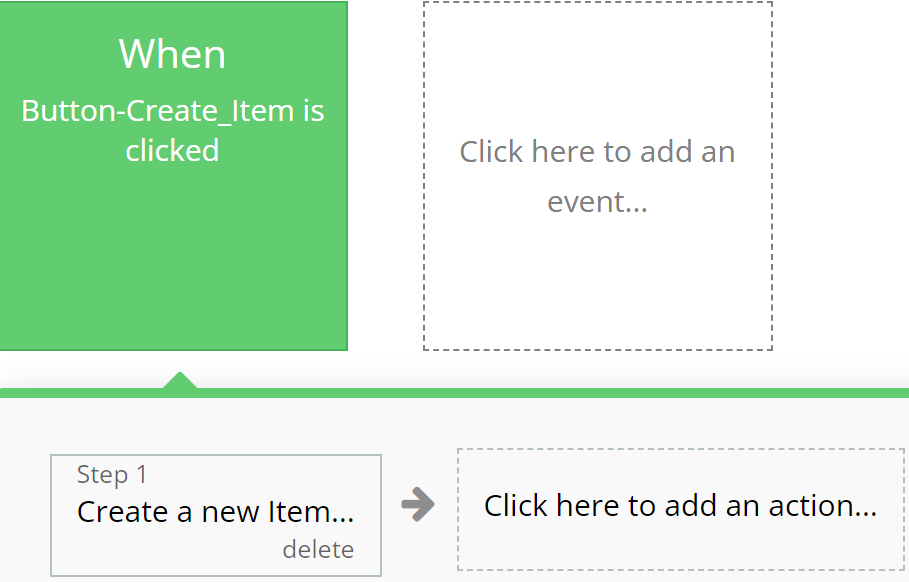
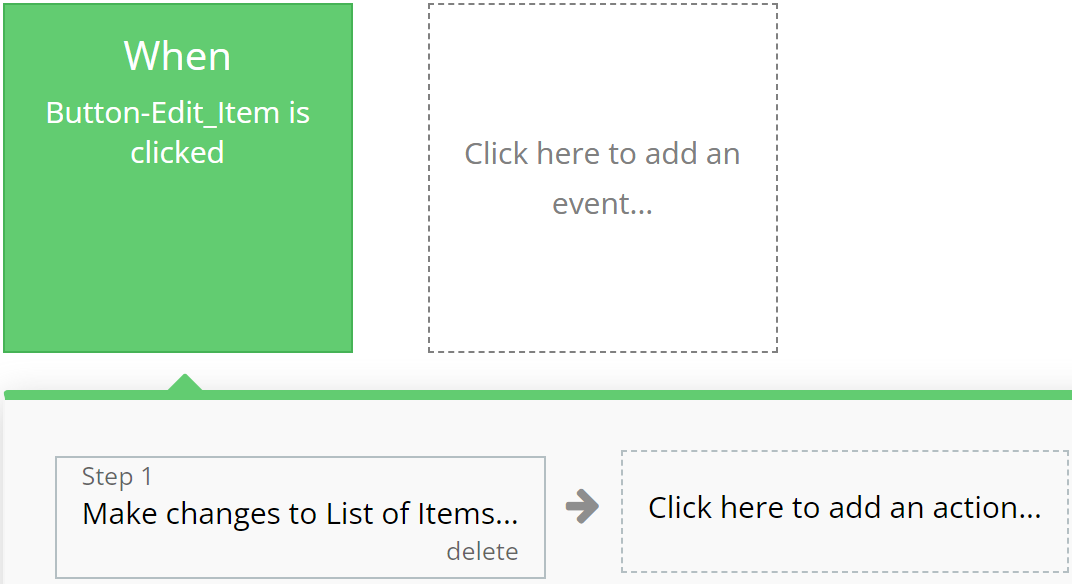
Green
Emphasizes actions related to creating or modifying records in the database, indicating successful operation completion.
For example:
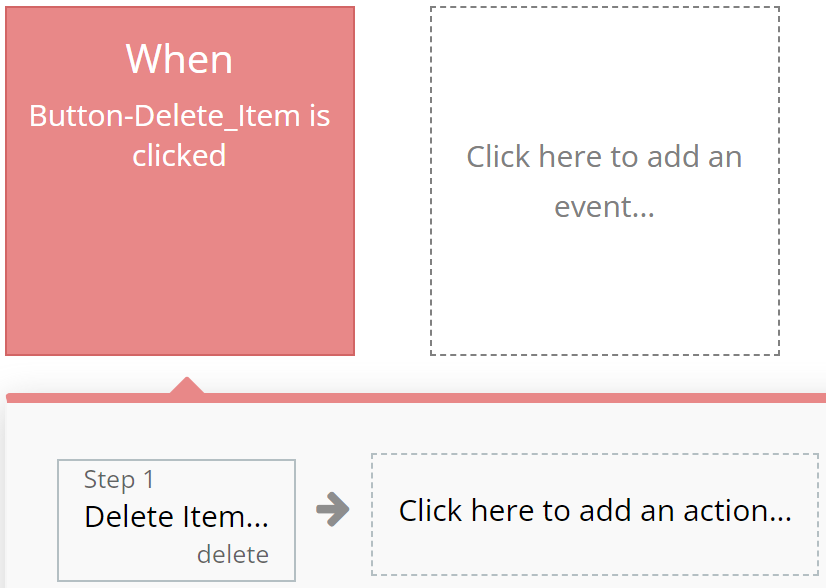
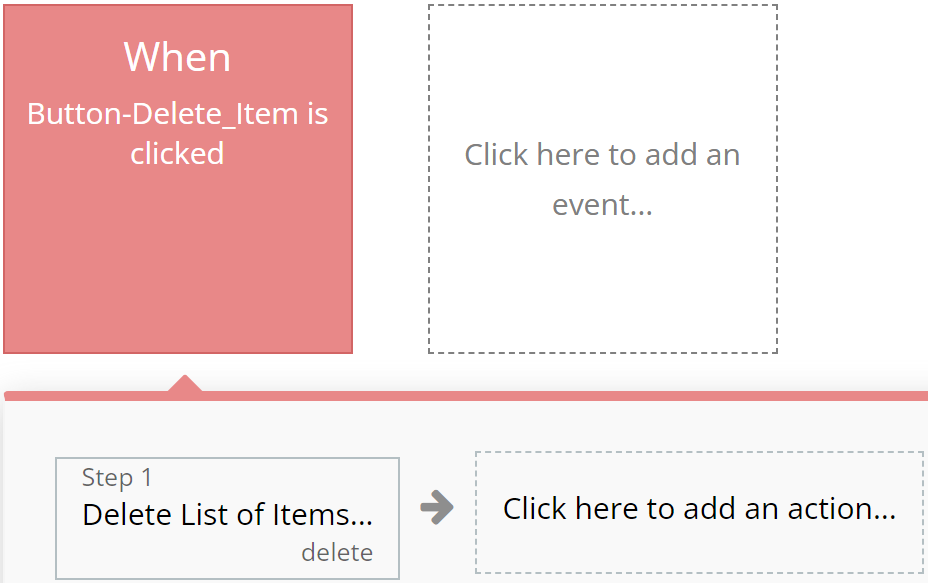
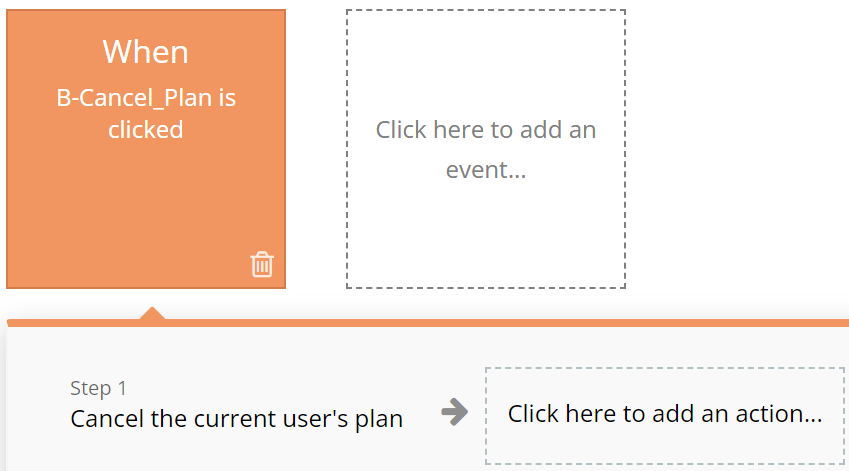
Red
Designated for actions involving deletion or resetting of values, aiding users in quickly identifying them.
For example:
Blue
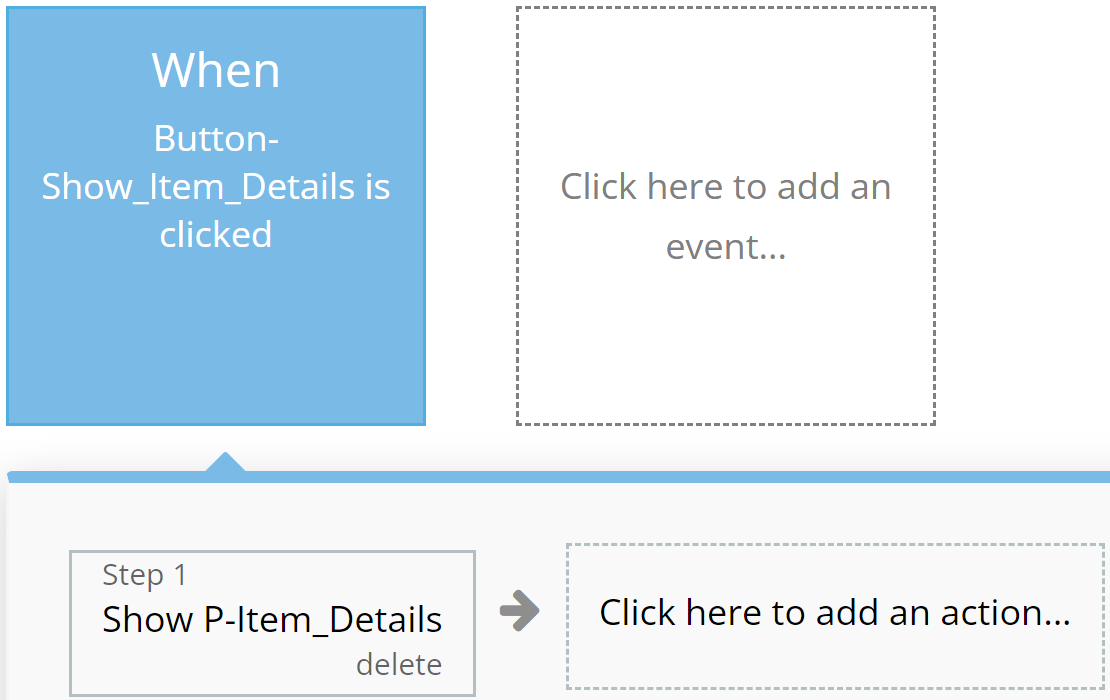
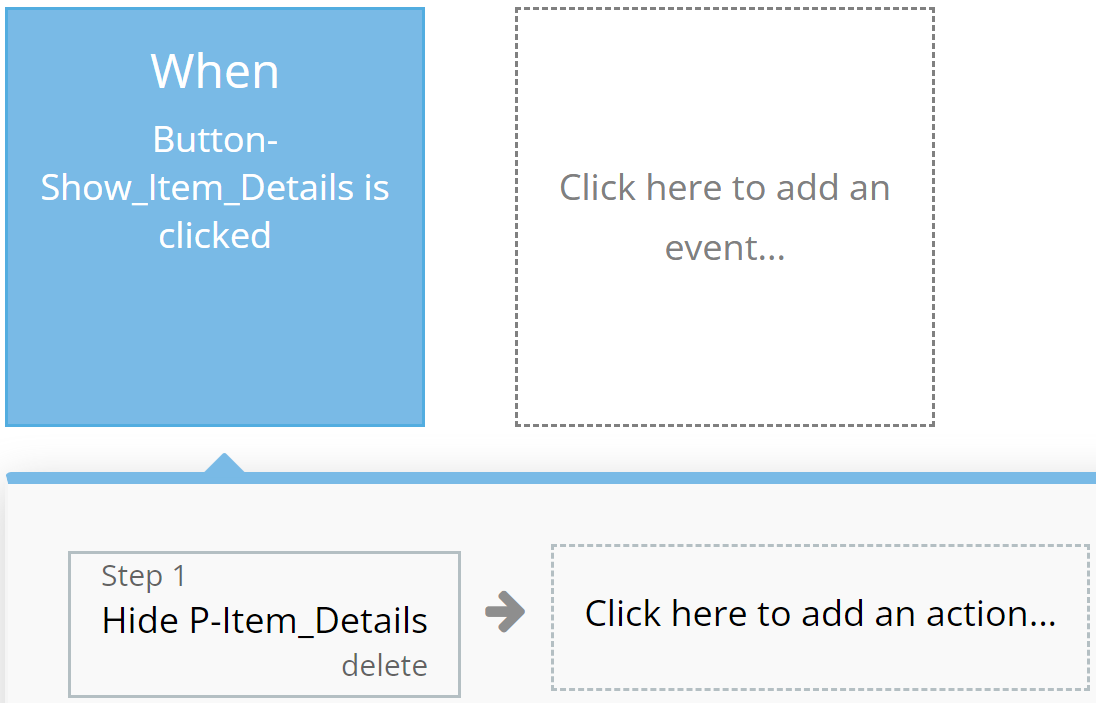
Reserved for actions that do not impact application resources, such as opening or closing pop-up windows.
For example:
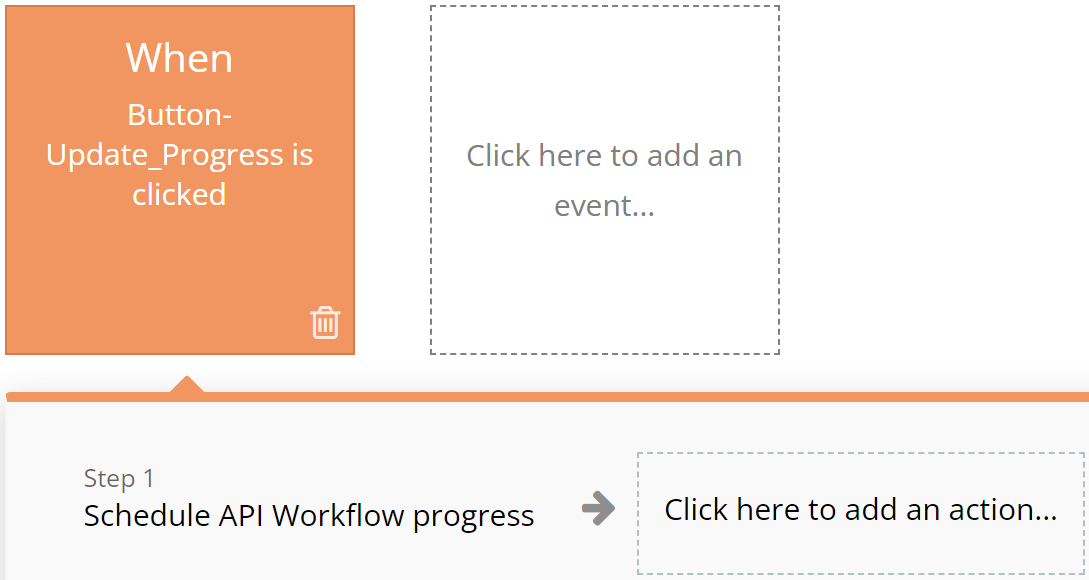
Orange
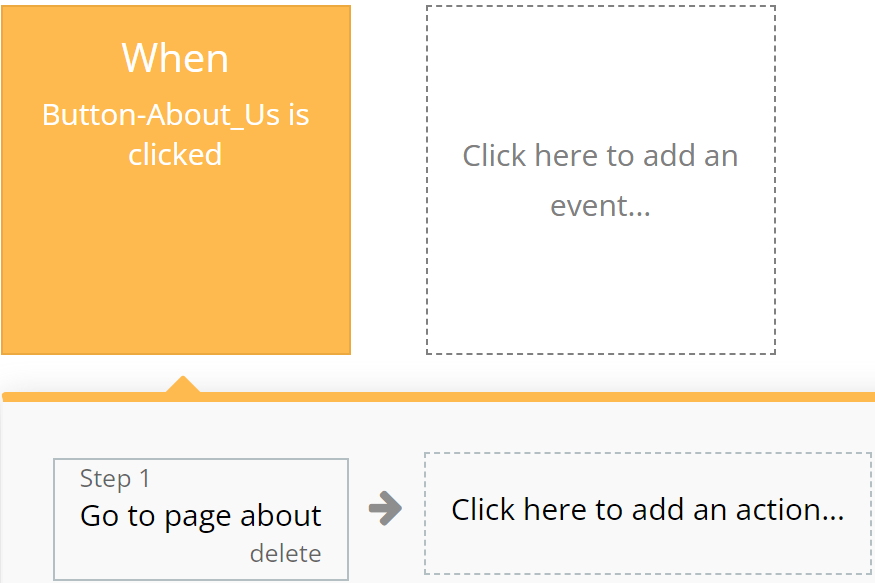
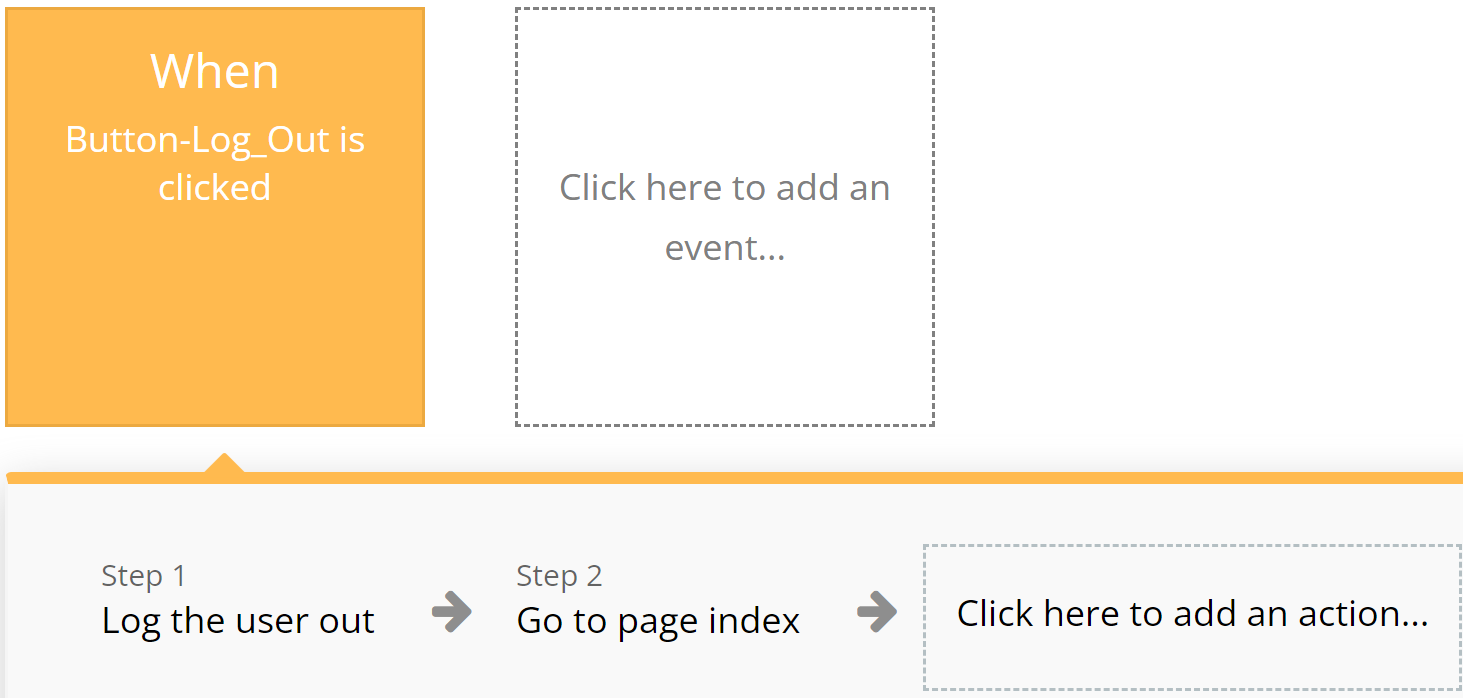
Used for actions related to app navigation, providing ease of orientation within the interface.
For example:
Brown
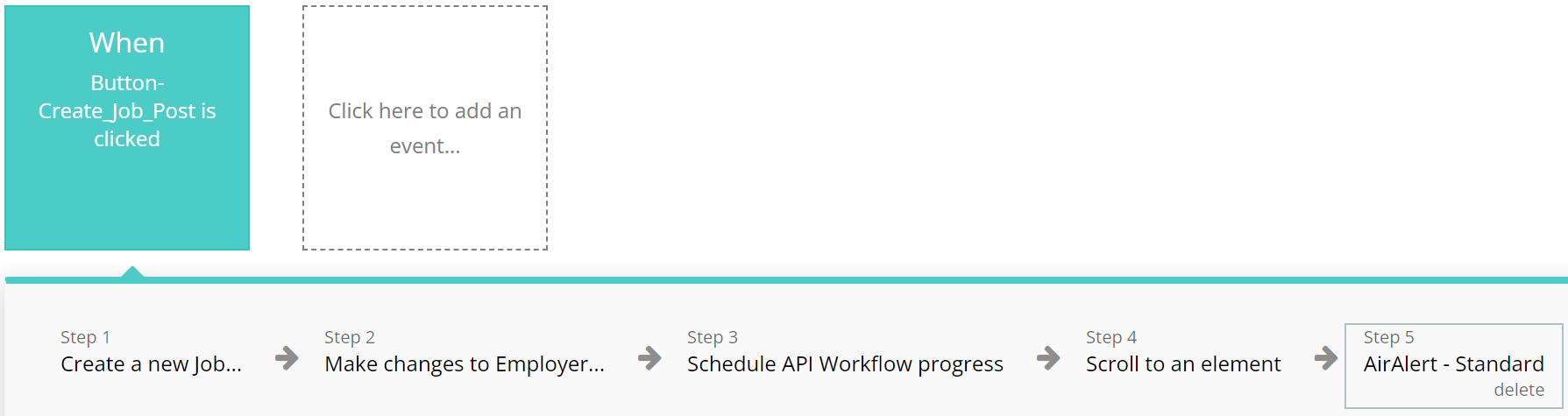
Utilized for custom workflows and API work, highlighting these actions among others.
For example:
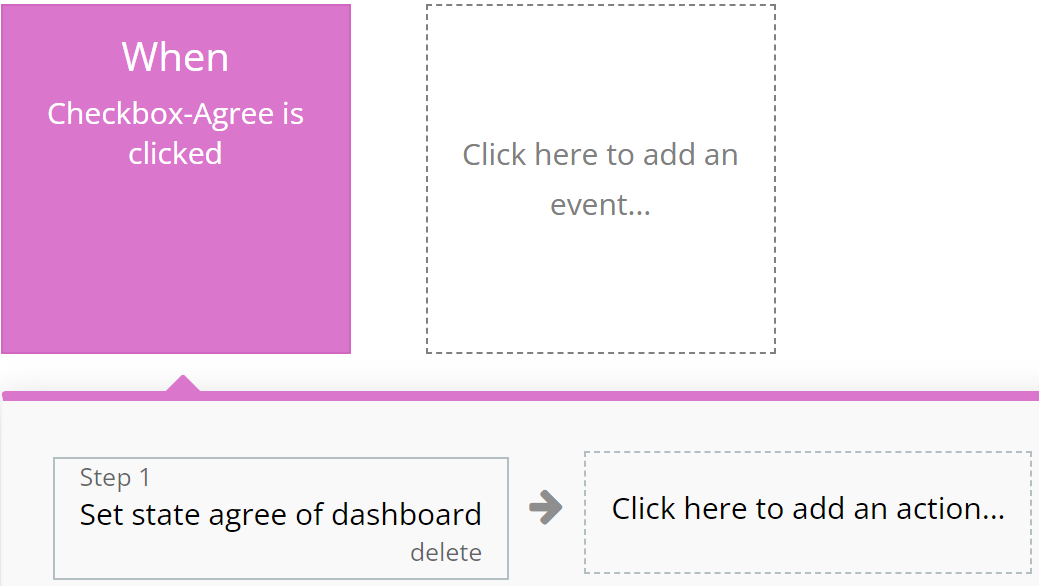
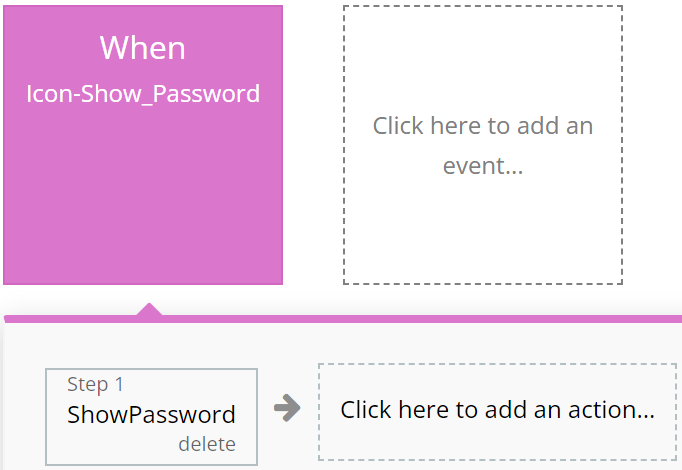
Purple
Left to the developer's discretion for assigning color to actions as they see fit.
For example:
Cyan
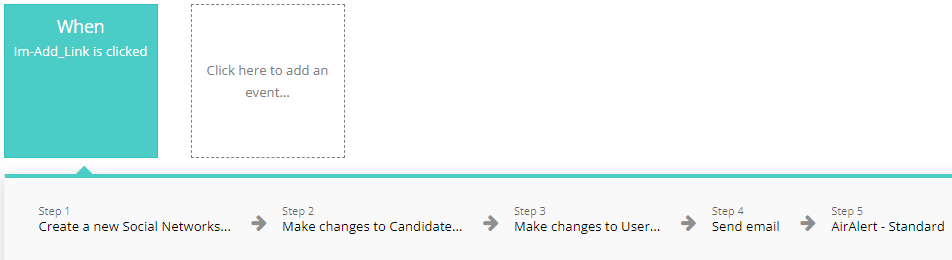
Intended for actions involving the use of Custom Events, ensuring ease of perception for complex operations.
For example:
Grey
Employed for all other actions not covered by other colors, aiding in making the interface clear and balanced.
For example:
These standards are purely recommendations. Possible discrepancies do not affect the functionality of the application.
Pages
Below, you will find a list of all the pages available on this platform, along with a brief description of their functionality.
Index: Explore our landing page for insights on the template, featuring descriptions, short descriptions of different sections, the most important and popular articles.
Article Page: This page contains all information about the article starting with the title and description of the article and ending with the creator, comments and other necessary information.
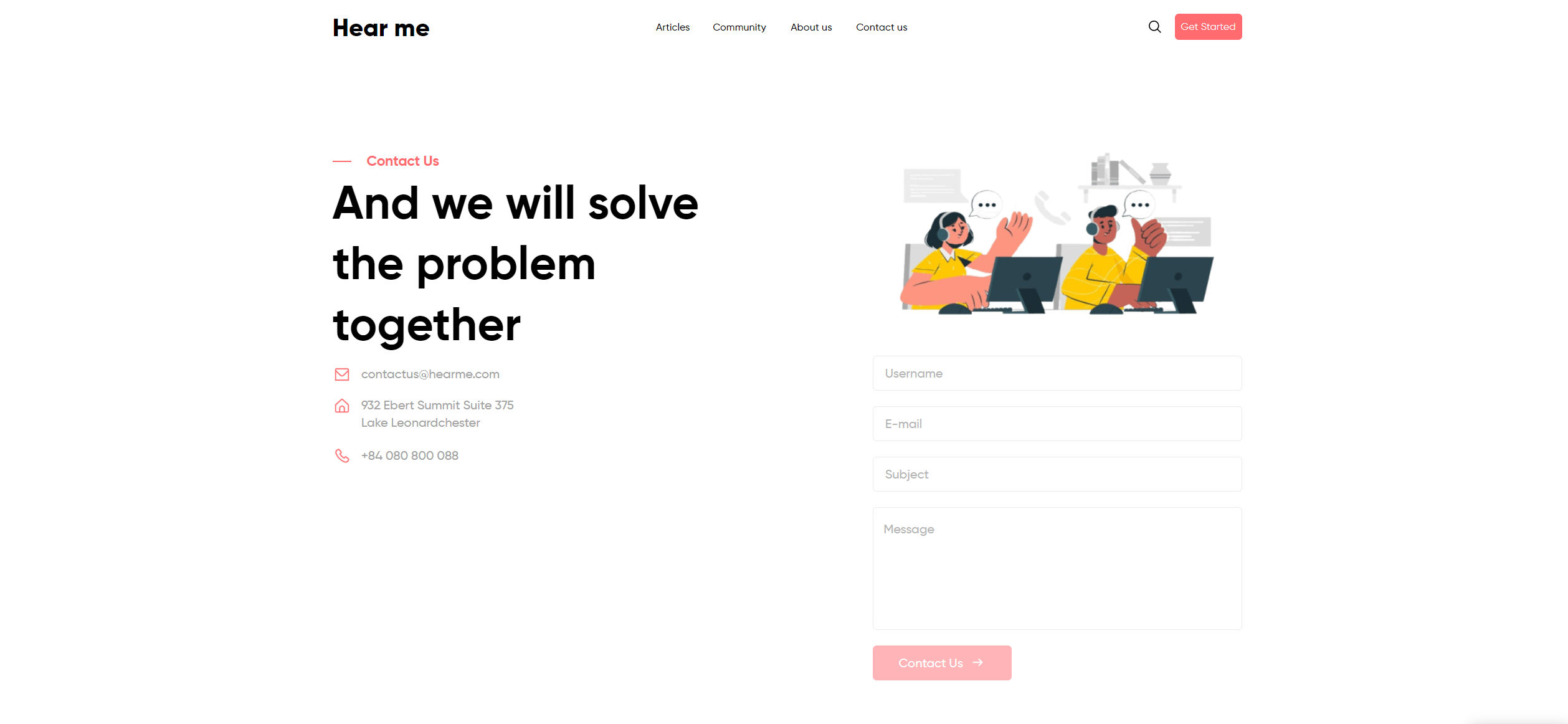
Contact Us: Connect with platform administrators effortlessly through our user-friendly contact page.
Register Page: Page where users provide personal information to create an account on a website or application, granting access to its features and services.
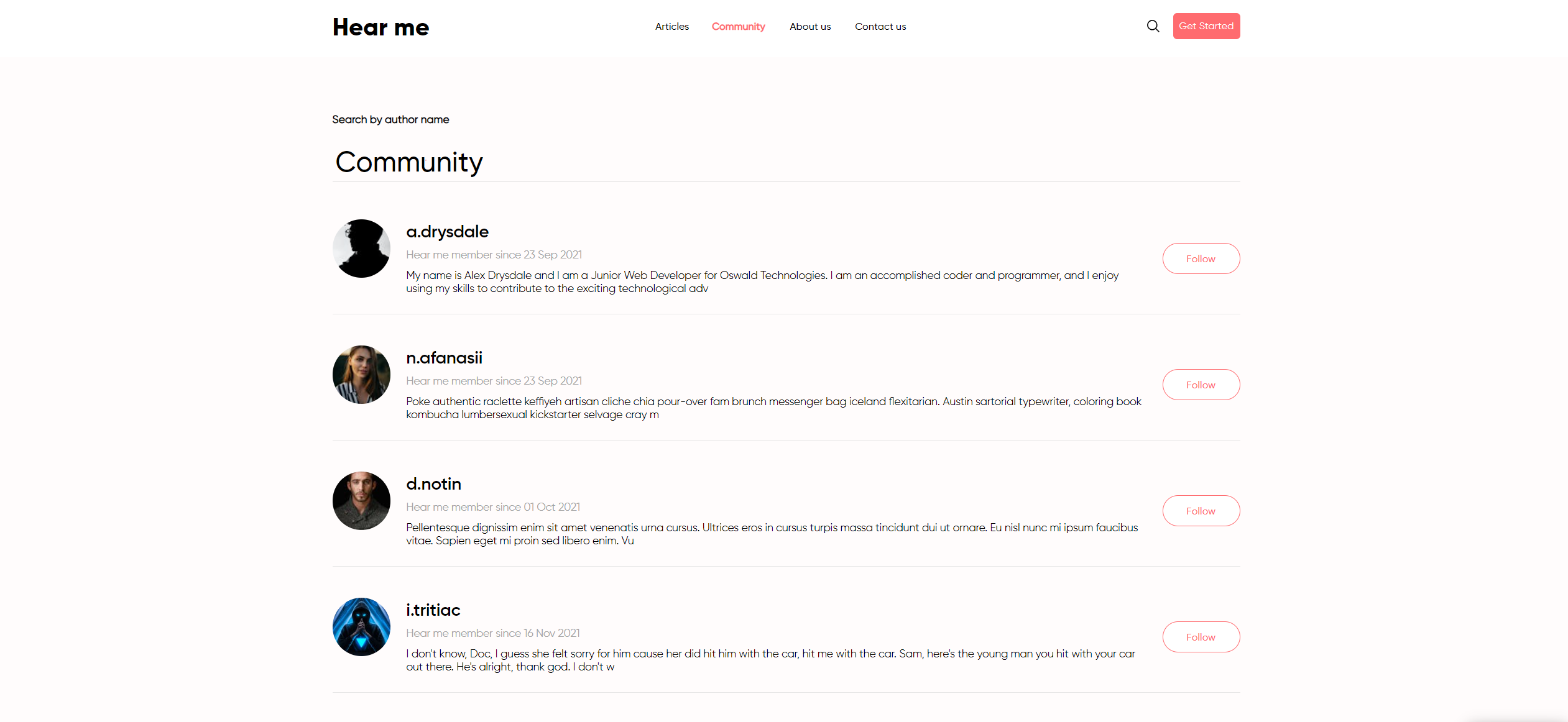
Community: Provides all users with a brief description that are registered on the site and on which you can follow.
Dashboard_user: A page on which the user can look at all the information he needs:
Your article
Saved articles
Followers and following
View statistics
Reset Password: The user can use this page to reset the password.
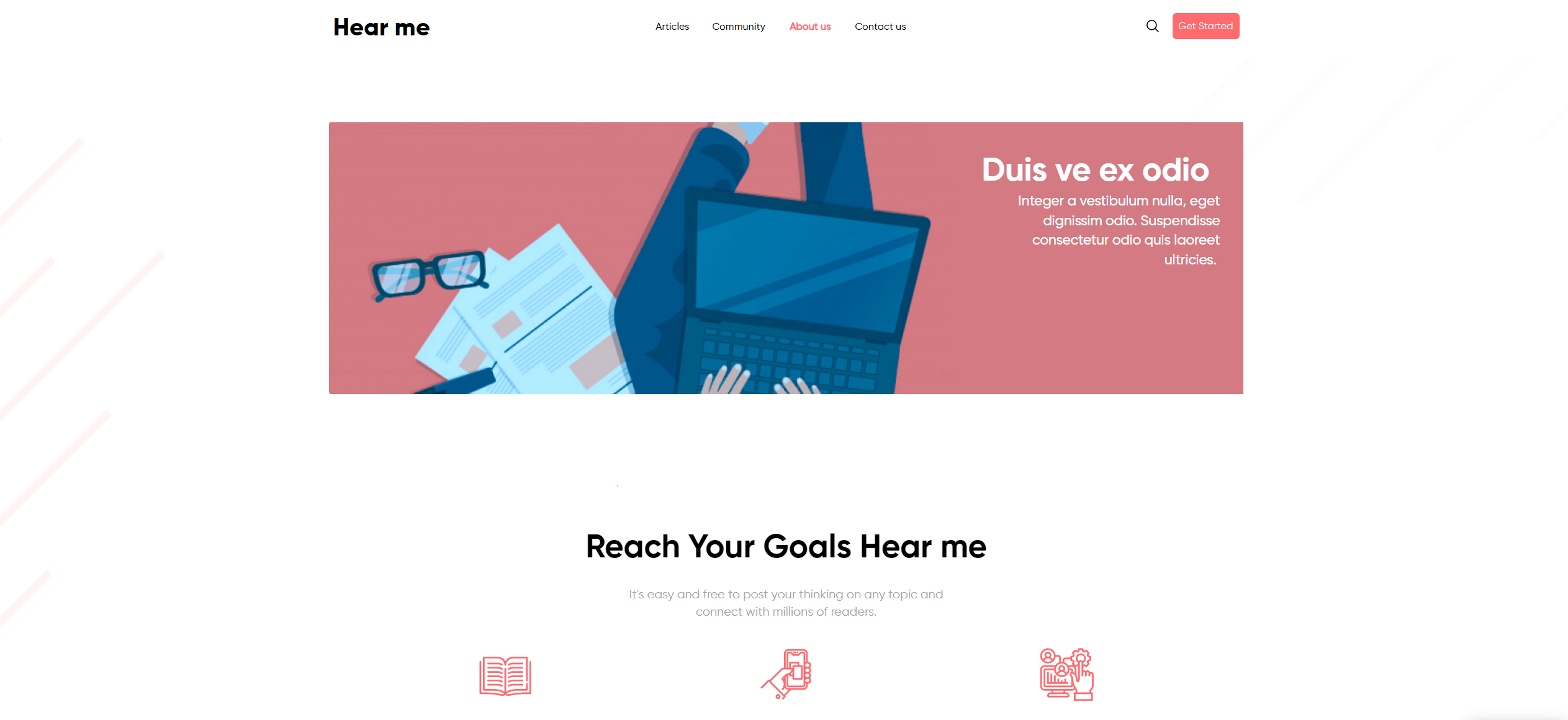
About Us: A page where you can read all the information about us, our achievements and feedbacks.
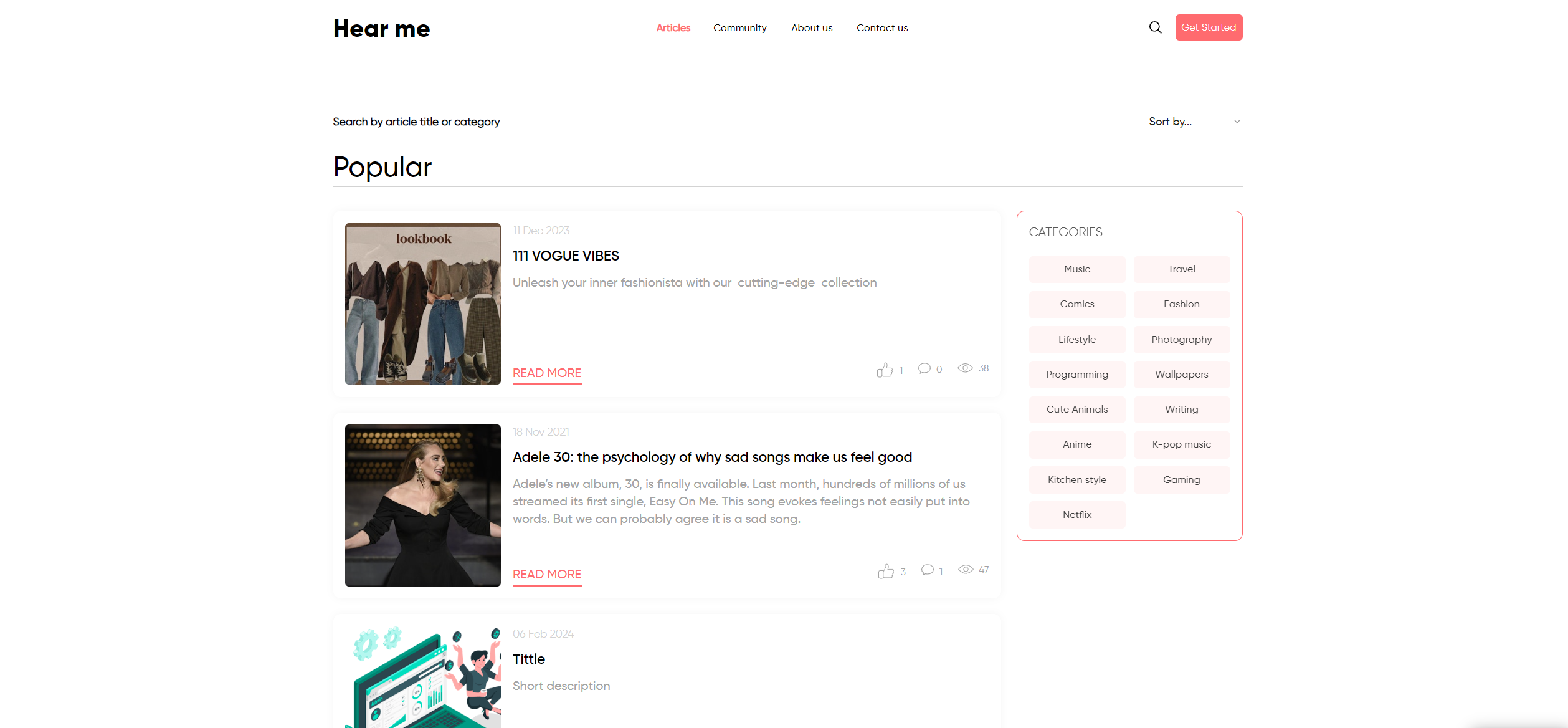
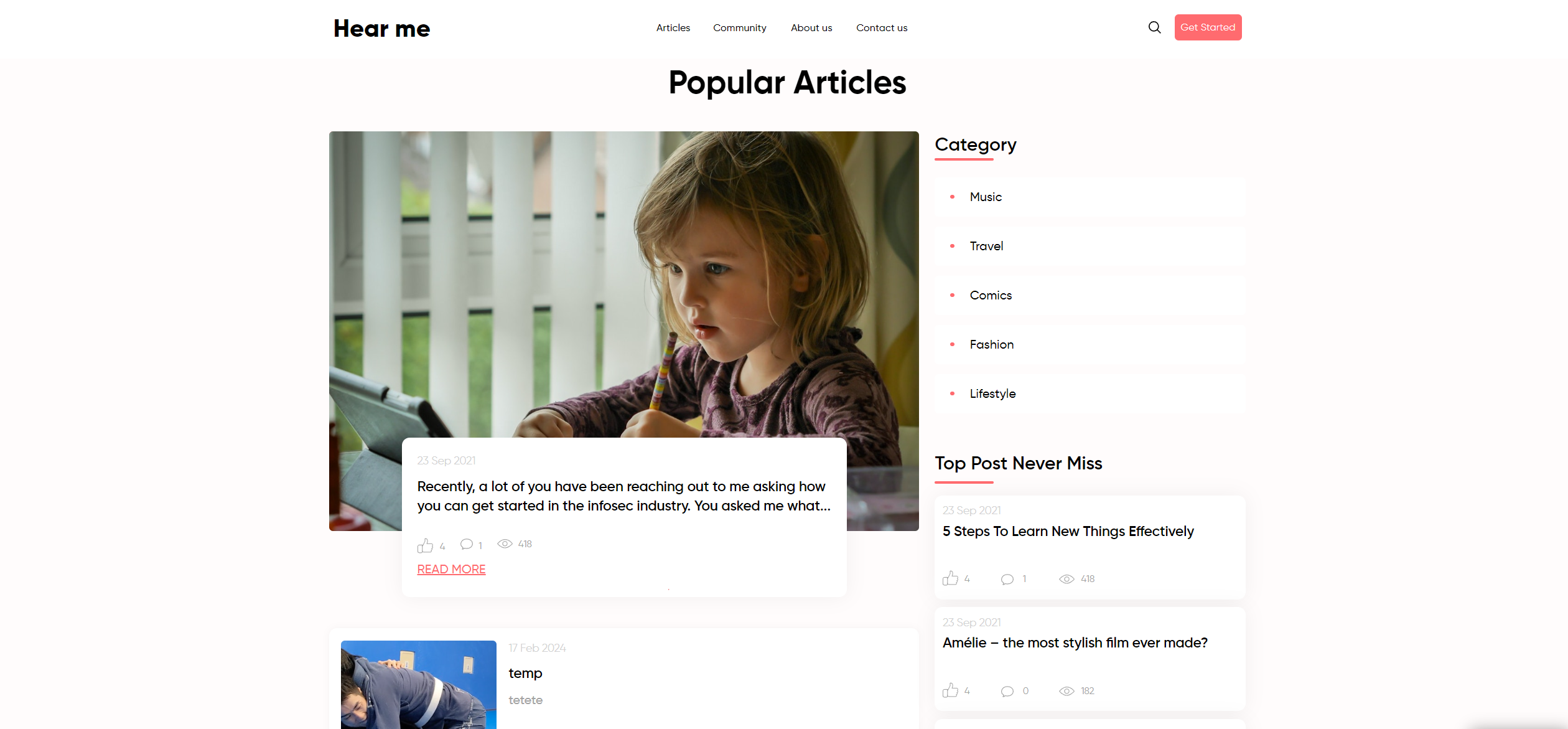
Articles: A page with all articles where you can see brief information about the article and also sort them by category.
Privacy and Policy: On this page you can see all the information about Privacy and Policy.
User Profile: The user page will allow us to view information about the user for example:
Created articles
Liked articles
Followers
Reusable elements
Header - the top part of a web page containing the logo, application name, navigation elements, and other important components. Found on all application pages.
Footer - a section at the bottom of a web page containing additional information such as contacts and links. Found on all application pages.
Data Types
Articles
This data type is designed for storing all information about articles.
Body text
Text
Article content
Main Picture
Image
Article image
Short Description
Text
Short description about article
Title
Text
Article title
Views
Number
Article view count
Banner About Us
This data type is designed for storing information about banners used in application.
Description
Text
Banner content
Picture
Image
Banner image
Title
Text
Banner title
Comments
This data type is designed for storing all information about comments posted by Users.
Conversation
This data type is designed for storing information about conversation.
Feedback About Us
This data type is designed for storing information about feedbacks.
Function Work
Text
User function
Image
Image
User Image
Name
Text
User name
Opinion
Text
User opinion
Foll
This data type is designed for storing information about followers and following.
Instagram
This data type is designed for storing all information about Instagram.
Body
Text
Instagram body
Image
Image
Instagram image
Title
Text
Instagram title
Message
This data type is designed for storing all message information.
Content
Text
Message content
New
Yes/No
New message or no
Notifications
This data type is designed for storing all user notifications.
Allow Notifications
Yes/No
Allow notification or no
Checked
Yes/No
Checked notification or no
Send notification
Yes/No
Send notification or no
Replies
This data type is designed for storing all information about replies posted by Users.
Body
Text
Replied content
Comment
Comments
Replied comments
Likes Count
Number
Number of likes on replied
Subscribers hear me
This data type is designed for storing information about subscribers on application.
Email
Text
Subscribed email
Tags
This data type is designed for storing articles with all tags.
Name Tags
Text
Tag name
User
This data type is designed for storing all information about user registered on the website.
Address
Text
User address
Allow notifications
Yes/No
User allow notifications
Bio
Text
User biography
Category
List of Texts
User categories
Customer ID
Text
User ID
Date of birth
Date
User birthday
Facebook
Text
User facebook
Full Name
Text
User full name
Gen
Text
User gender
Hear Me
Text
User hear me
Instagram
Text
User instagram
Last Activity Time
Date
User last activity date
Last Activity
Text
User last activity action
Modified Date Email
Date
User last date modified email
Modified Date Password
Date
User last date modified password
Phone Number
Text
User phone number
Profile Photo
Image
User image
Profile View
Number
User number of views
PWD
Text
Send Notifications
Yes/No
User send notifications or no
Show Other people
Yes/No
User show other people or no
Subscription Status
Yes/No
User subscription status
Subscribers
List of Texts
User subscribers
Twitter
Text
User twitter
Username
Text
Username
Email
Text
User Email
Views
This data type is designed for storing information about user views.
This data type is designed for storing all candidate related information.
Option sets
Category
Music
Travel
Comics
Fashion
Lifestyle
Photography
Programming
Wallpapers
Cute Animals
Writing
Anime
K-pop music
Kitchen style
Gaming
Netflix
Gender
Male
Female
Other
Sort by
Date ascending
Date descending
Name ascending
Name descending
Most views
Less views
Statistics
Last week
Last month
Last year
Type of notification
Added to favorites your article
Comment on your article
Is now following you
Liked your article
Liked your reply
Liked your comment
Replied to your comment
Replied to your message
Send you a new message
Subscribed to you

The template is available in its current form, however, further alterations can be negotiated.
Don't hesitate to reach out to us with any questions, and we'll gladly explore options to accommodate your concepts – Visit us at https://appassion.io/ or email us at dev@appassion.io
Last updated