***
## Template details
“Agency” is a free no-code Landing page template for your Startup. It offers a responsive landing page with modern design. The page includes 5 sections and a contact form.
iGency landing sections:
1. About Us
2. Services
3. Portfolio
4. Pricing
5. Contact Us
iGency landing features the following:
✅ Landing page
✅ New Responsive design
✅ Contact form
This template is sold "as is" but if there are any critical bugs, feel free to reach out. Our team will try to fix them ASAP.\
\
We tried to keep all the workflows and design architecture simple for beginner-intermediate users to use and adjust. However, we recommend having at least moderate experience with Bubble to be able to fully use and edit the app’s backend.\
\
If you need any assistance to customize this template for your personal or business project, feel free to reach out to our team via . We are always there to help build new products and mobile/web applications.\
\
We hope this template would become a great starting point for your project.
{% hint style="warning" %}
***Removing the banner***
***1. Open the app in Bubble editor***
***2. Go to settings -> SEO/Metatags***
***3. Remove the content of "Script in the body"***
{% endhint %}
***
## Key features
SERVICE LISTINGS
true
EASY CHECKOUT PROCESS
false
CUSTOMIZATION OPTIONS
true
SERVICE PROVIDER PROFILES
true
REAL-TIME AVAILABILITY AND BOOKING
true
CUSTOMER SUPPORT AND FEEDBACK
false
## Workflows
### Primary colors and their purposes
### **Green**
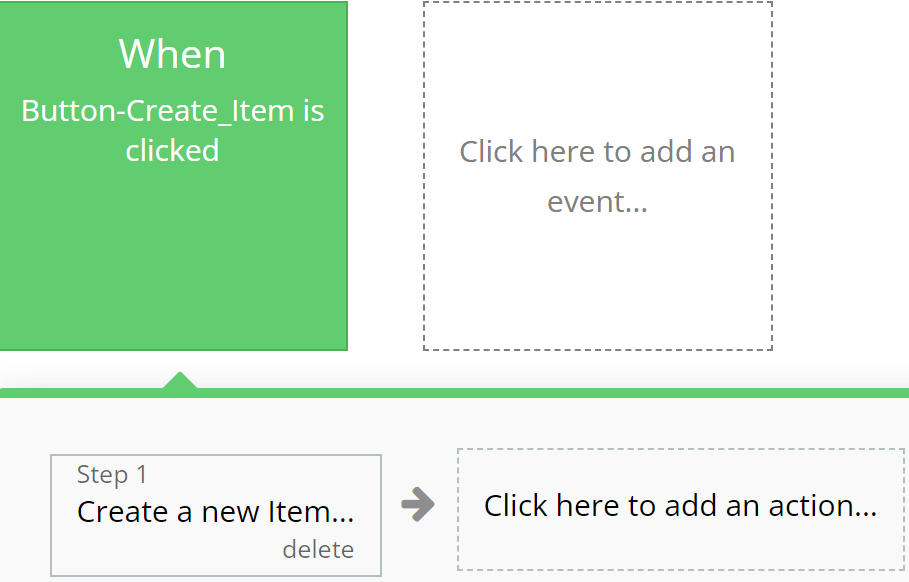
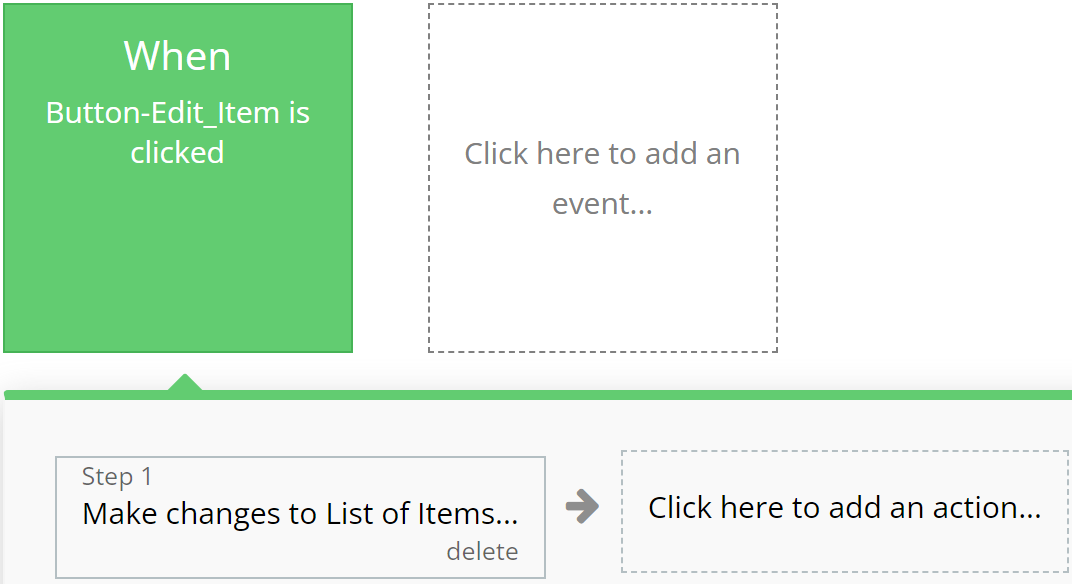
Emphasizes actions related to creating or modifying records in the database, indicating successful operation completion.
**For example:**
{% tabs %}
{% tab title="Example 1" %}
{% endtab %}
{% tab title="Example 2" %}
{% endtab %}
{% endtabs %}
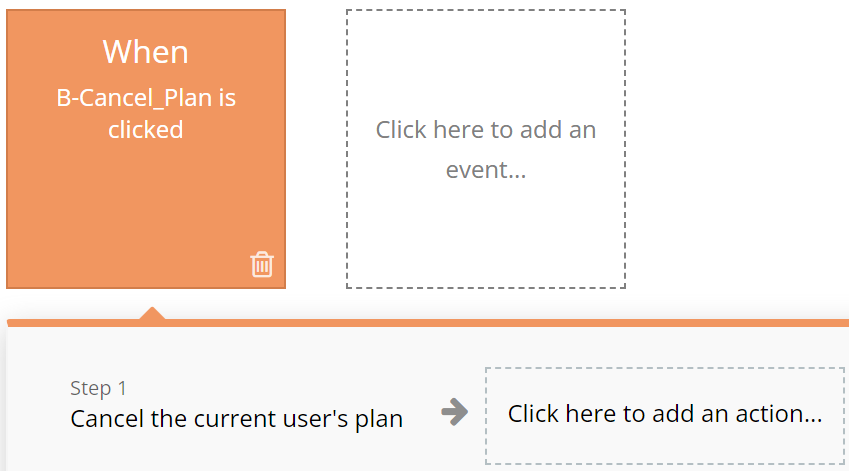
### **Red**
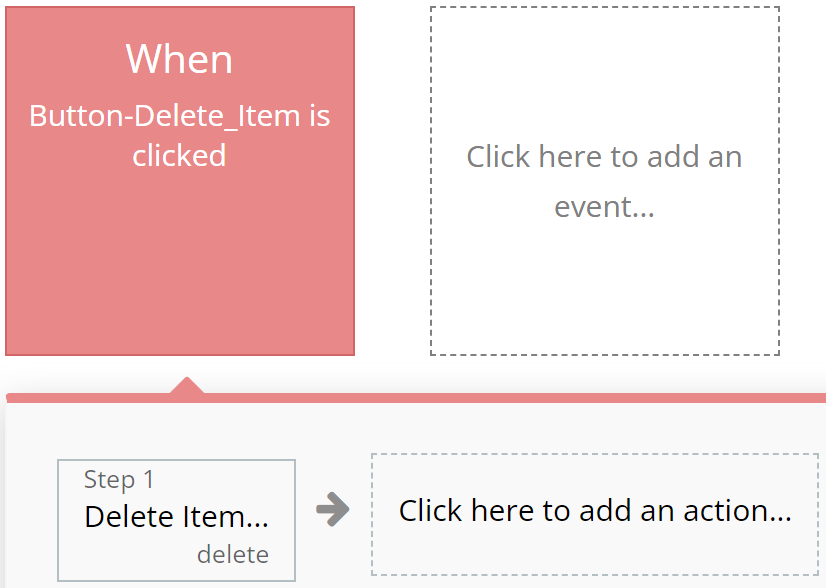
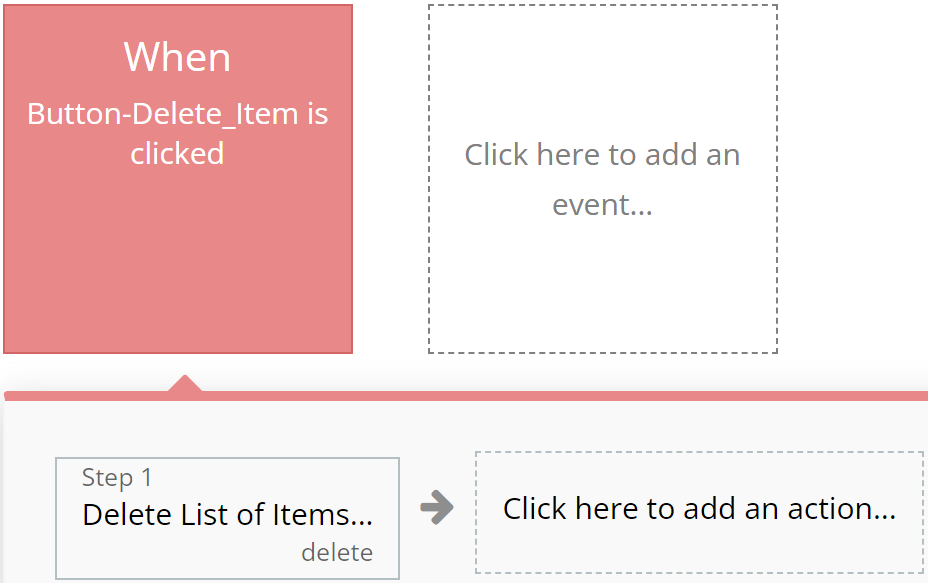
Designated for actions involving deletion or resetting of values, aiding users in quickly identifying them.
**For example:**
{% tabs %}
{% tab title="Example 1" %}
{% endtab %}
{% tab title="Example 2" %}
{% endtab %}
{% endtabs %}
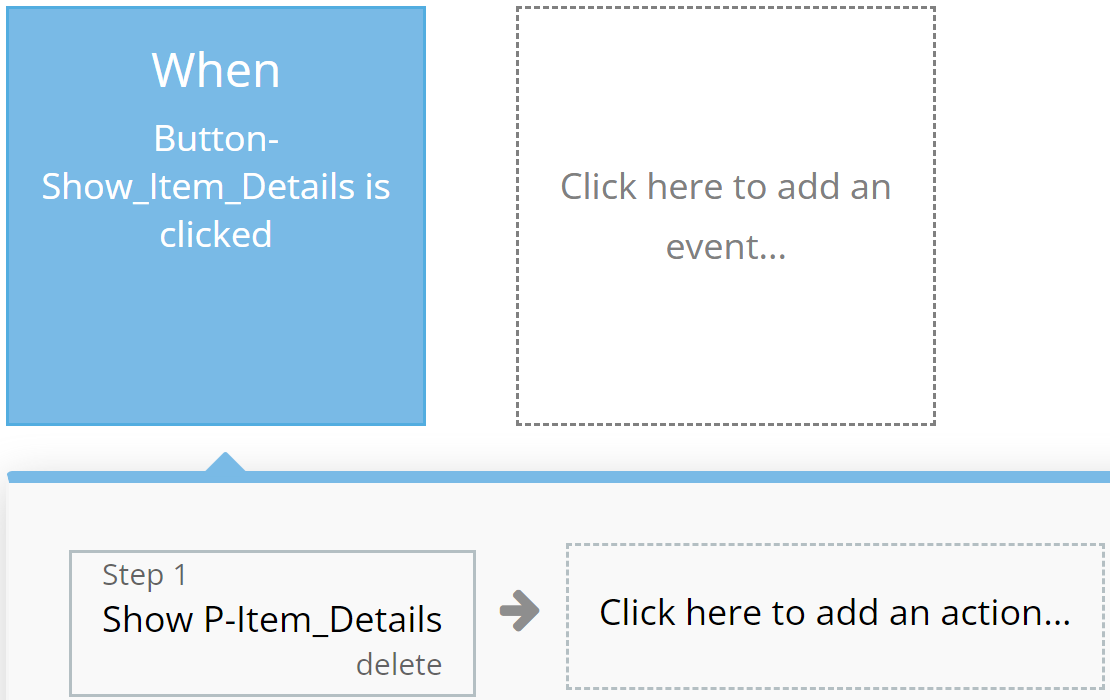
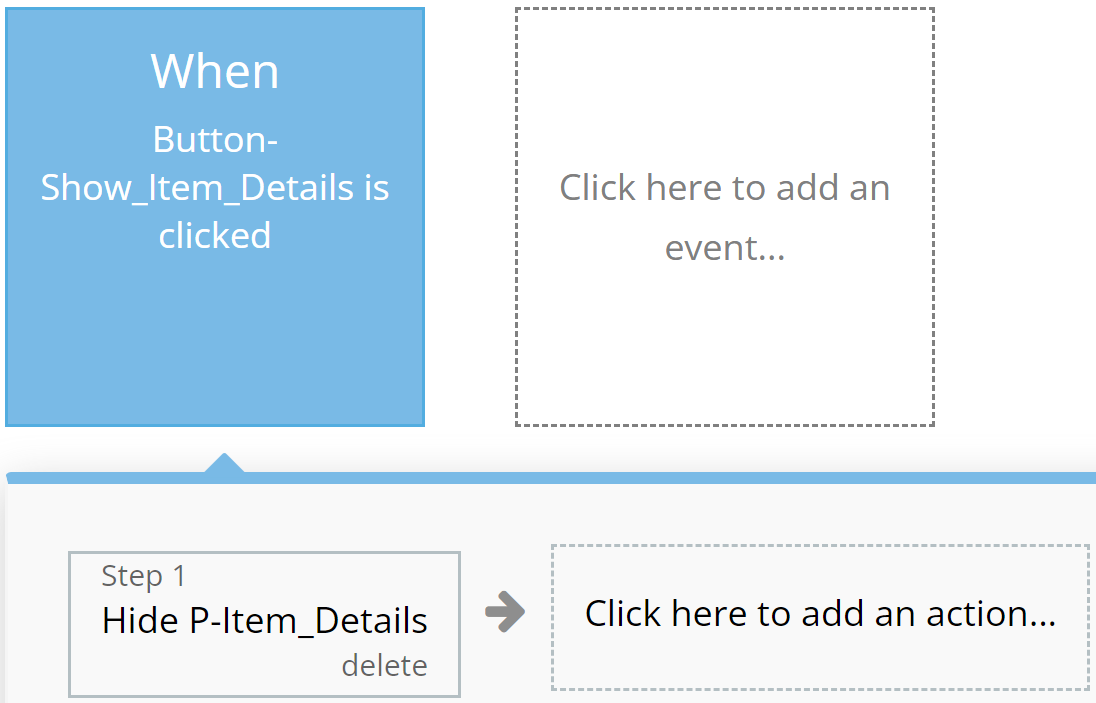
### **Blue**
Reserved for actions that do not impact application resources, such as opening or closing pop-up windows.
**For example:**
{% tabs %}
{% tab title="Example 1" %}
{% endtab %}
{% tab title="Example 2" %}
{% endtab %}
{% endtabs %}
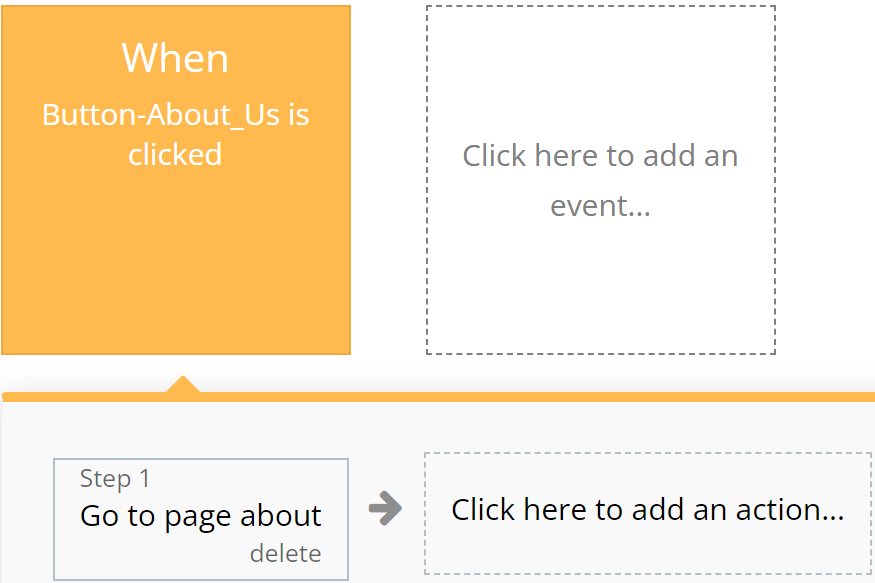
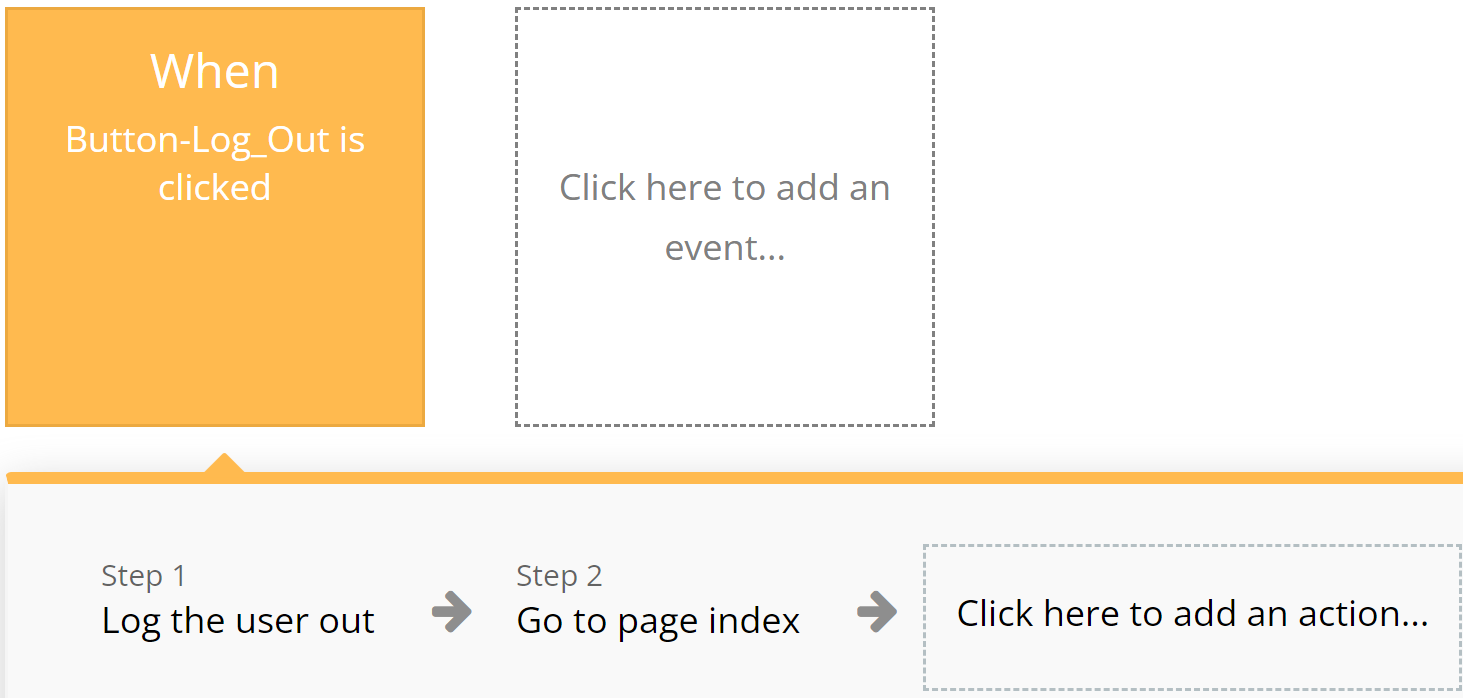
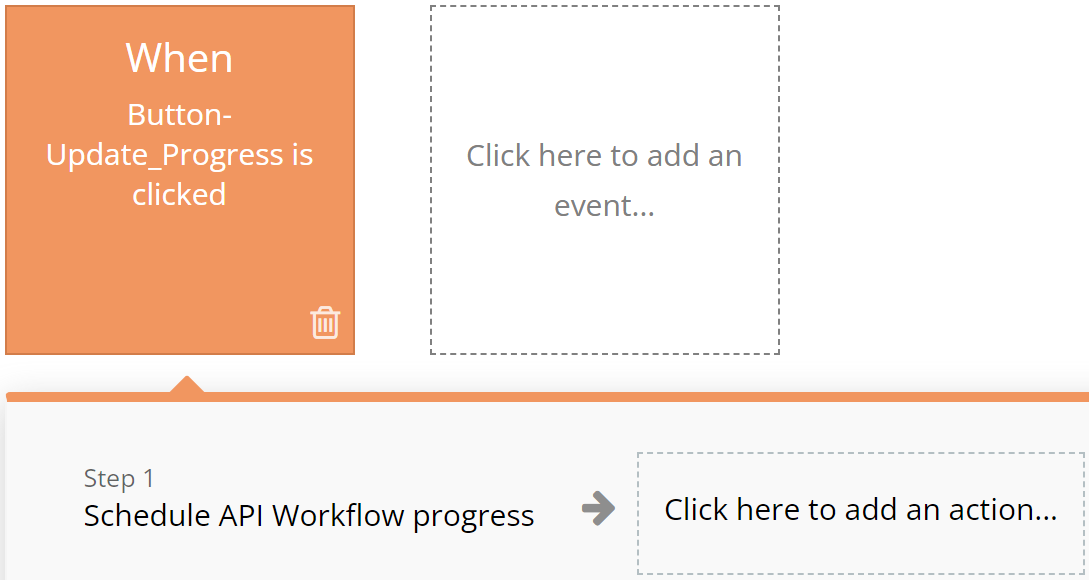
### **Orange**
Used for actions related to app navigation, providing ease of orientation within the interface.
**For example:**
{% tabs %}
{% tab title="Example 1" %}
{% endtab %}
{% tab title="Example 2" %}
{% endtab %}
{% endtabs %}
### **Brown**
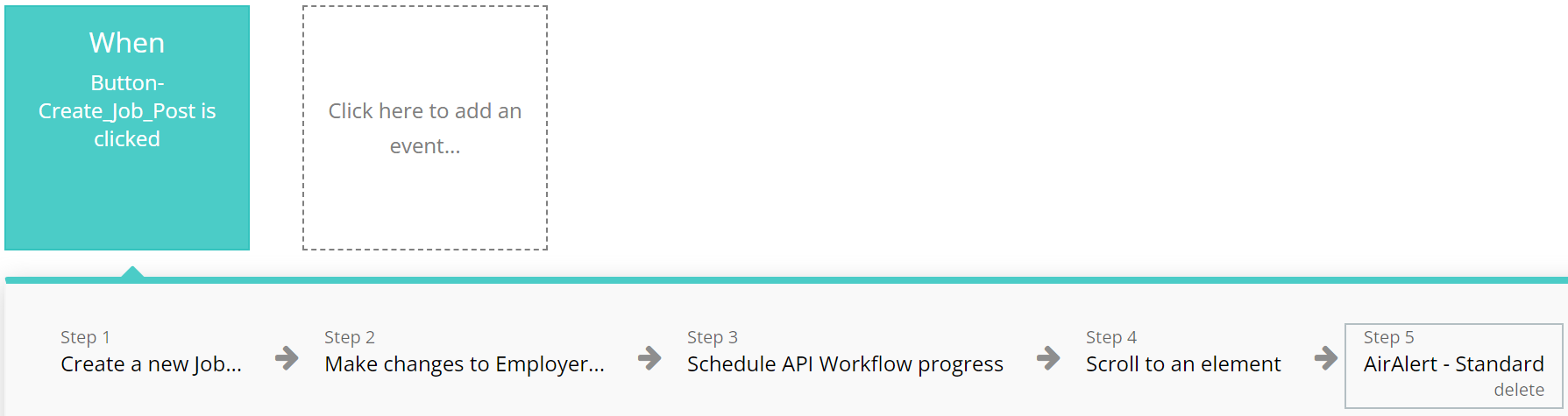
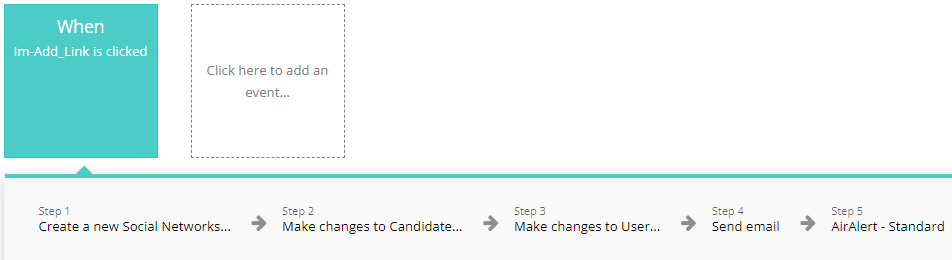
Utilized for custom workflows and API work, highlighting these actions among others.
**For example:**
{% tabs %}
{% tab title="Example 1" %}
{% endtab %}
{% tab title="Example 2" %}
{% endtab %}
{% endtabs %}
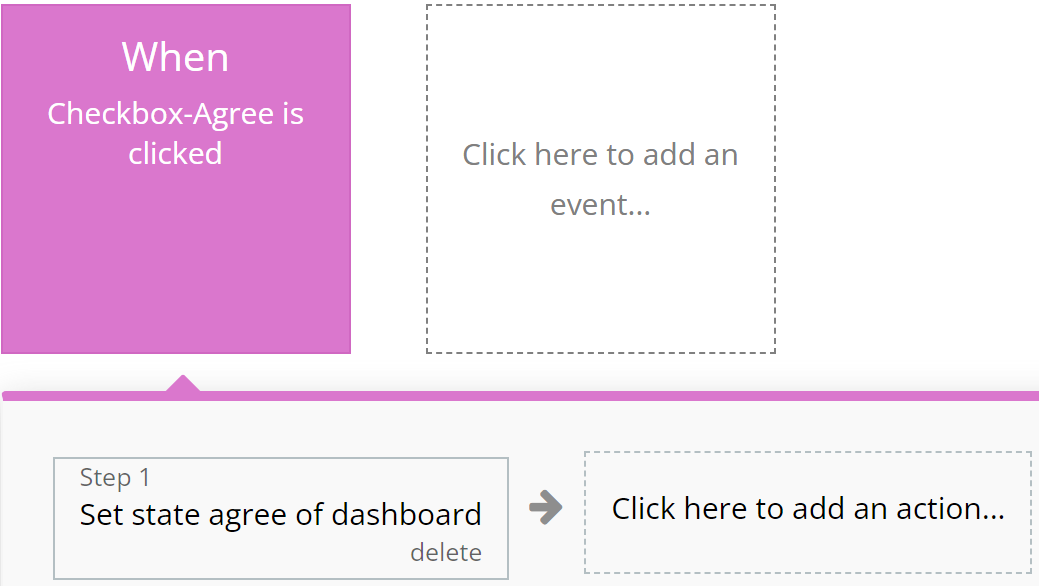
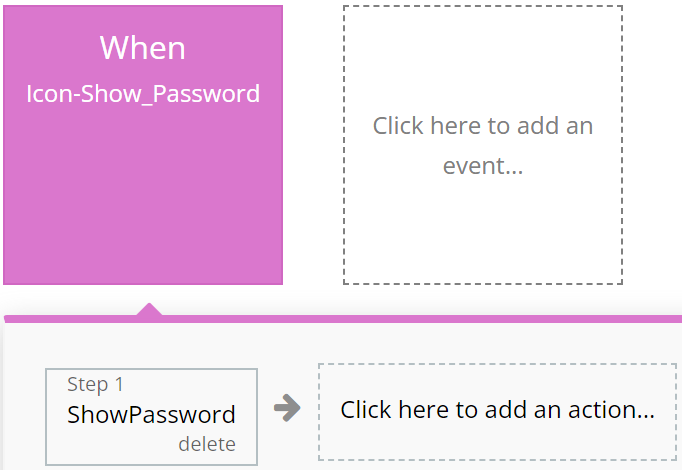
### **Purple**
Left to the developer's discretion for assigning color to actions as they see fit.
**For example:**
{% tabs %}
{% tab title="Example 1" %}
{% endtab %}
{% tab title="Example 2" %}
{% endtab %}
{% endtabs %}
### **Cyan**
**I**ntended for actions involving the use of Custom Events, ensuring ease of perception for complex operations.
**For example:**
{% tabs %}
{% tab title="Example 1" %}
{% endtab %}
{% tab title="Example 2" %}
{% endtab %}
{% endtabs %}
### **Grey**
Employed for all other actions not covered by other colors, aiding in making the interface clear and balanced.
For example:
{% tabs %}
{% tab title="Example 1" %}
{% endtab %}
{% endtabs %}
{% hint style="warning" %}
These standards are purely recommendations. Possible discrepancies do not affect the functionality of the application.
{% endhint %}
***
## Page
\ **Index:** Explore our landing page for insights on the template, featuring descriptions, work process, services, work portfolio, plans, frequently asked questions, reviews, and contacts.
***
## Data Types
### Portfolio
This data type is designed for storing all candidate related Portfolio.
| Field name | Type | Notes |
| ------------- | -------- | ---------------------------- |
| `Big Picture` | `Yes/No` | Portfolio picture big status |
| `Field` | `Text` | Portfolio field context |
| `Image` | `Image` | Portfolio image |
| `Text Mare` | `Text` | Portfolio text |
***
The template is available in its current form, however, further alterations can be negotiated.
Don't hesitate to reach out to us with any questions, and we'll gladly explore options to accommodate your concepts – Visit us at [https://appassion.io/](https://appassion.io/) or email us at
**We are always at your service through:** [Upwork](https://www.upwork.com/agencies/1472948949083369472/), [Clutch](https://clutch.co/profile/appassion#highlights). \