# Poison Soul - Text
***
## Intro
## Links
🖥️ Preview link
🌐 Template page on Bubble Marketplace
***
## Screenshots
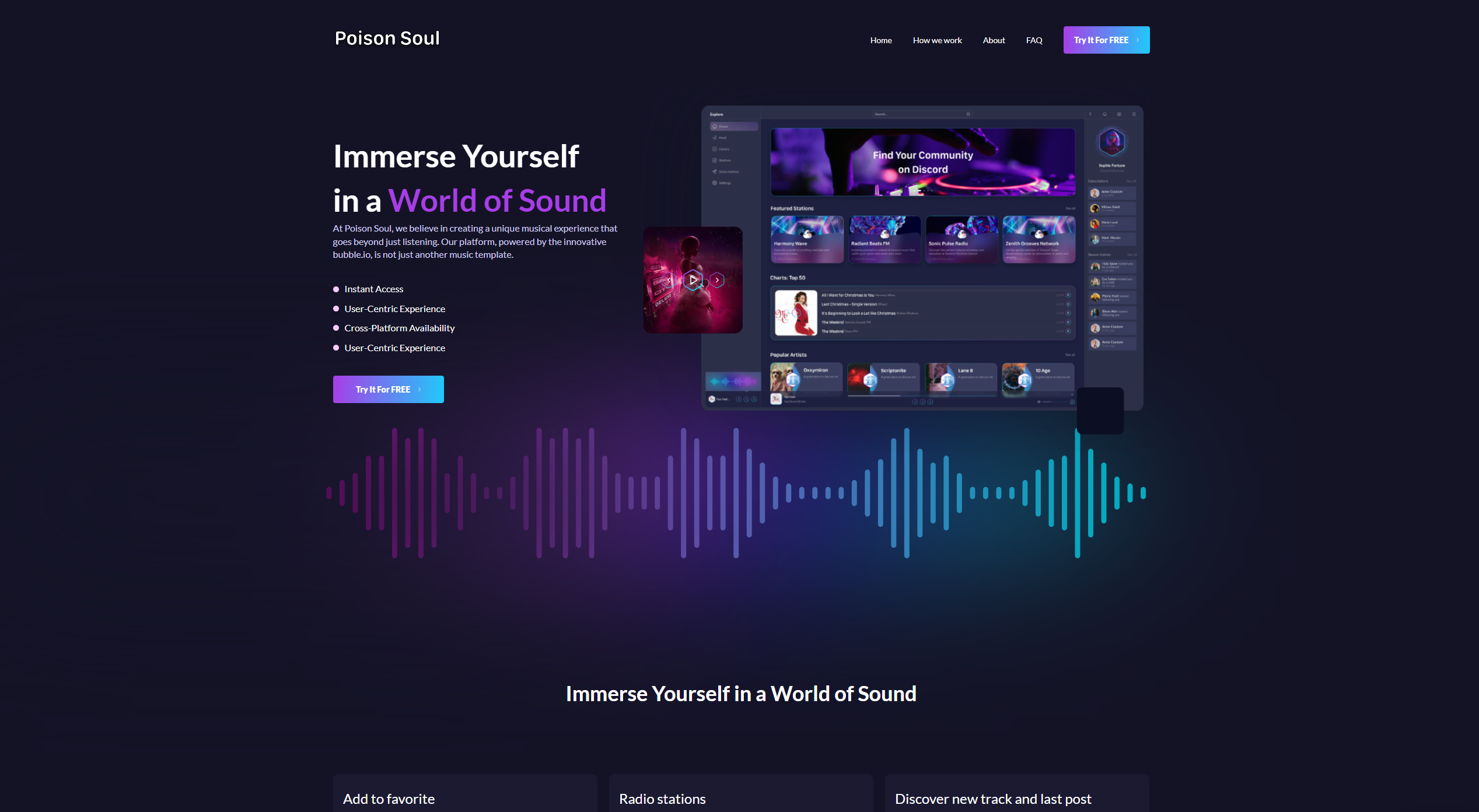
Index page
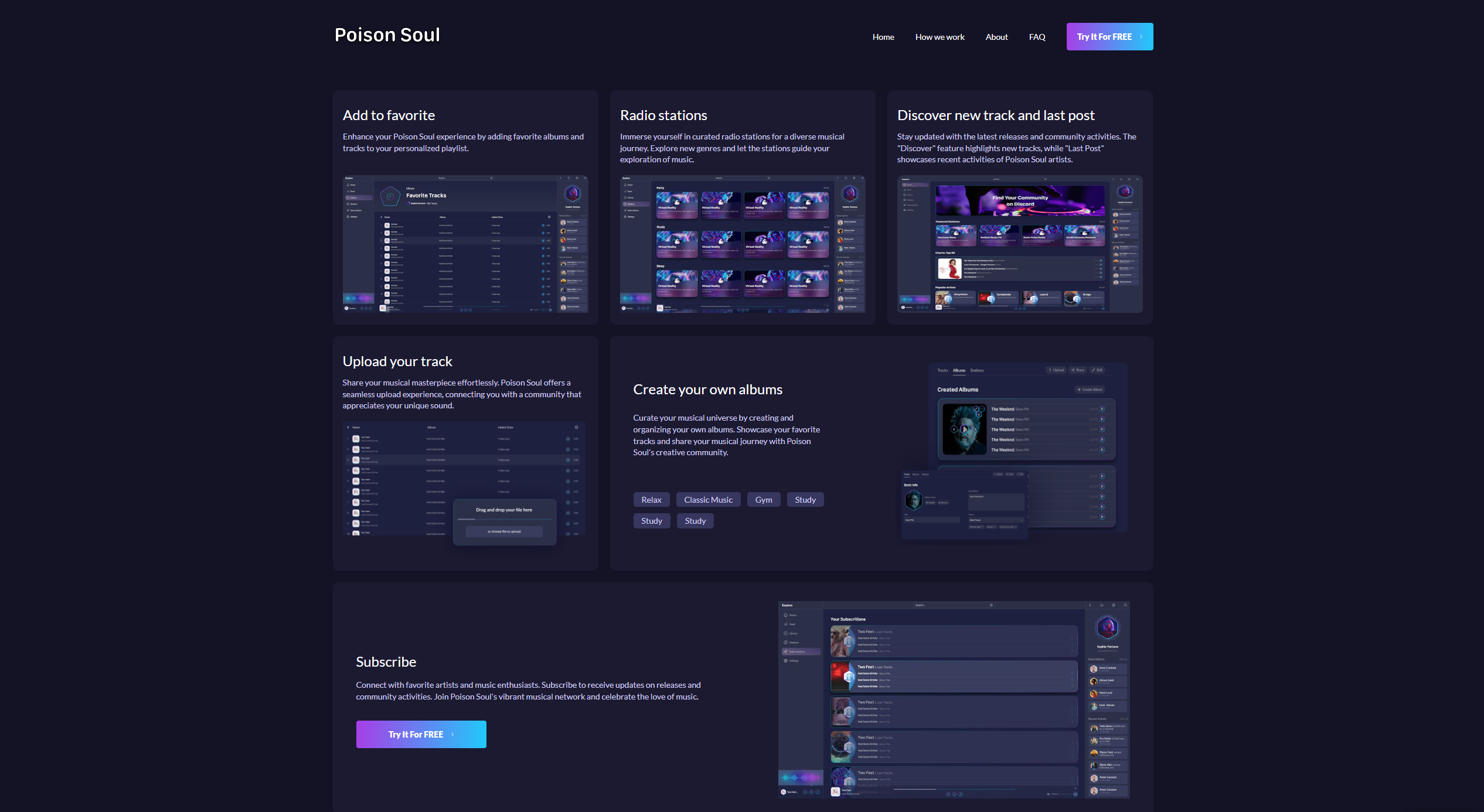
Features
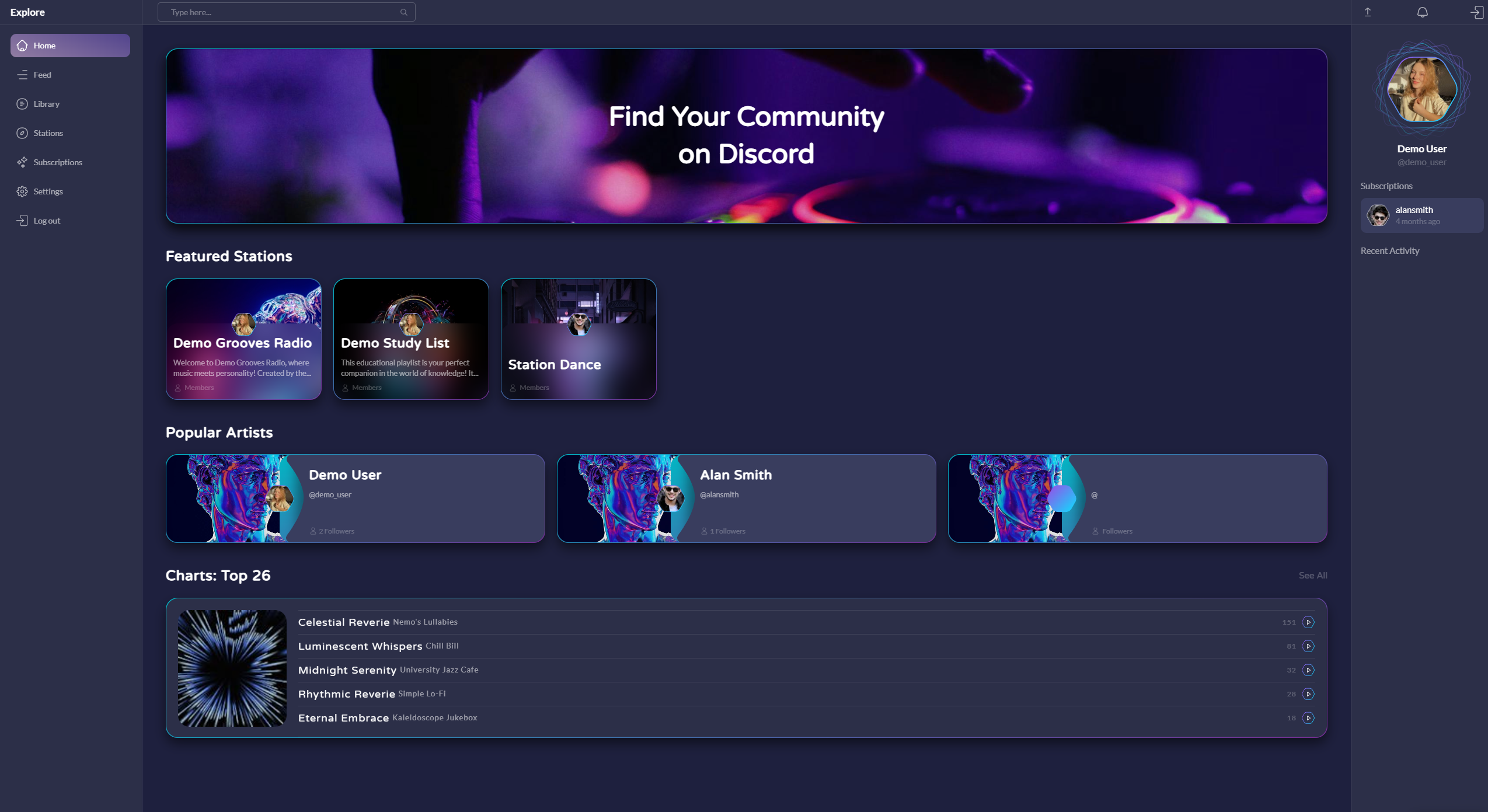
Home page
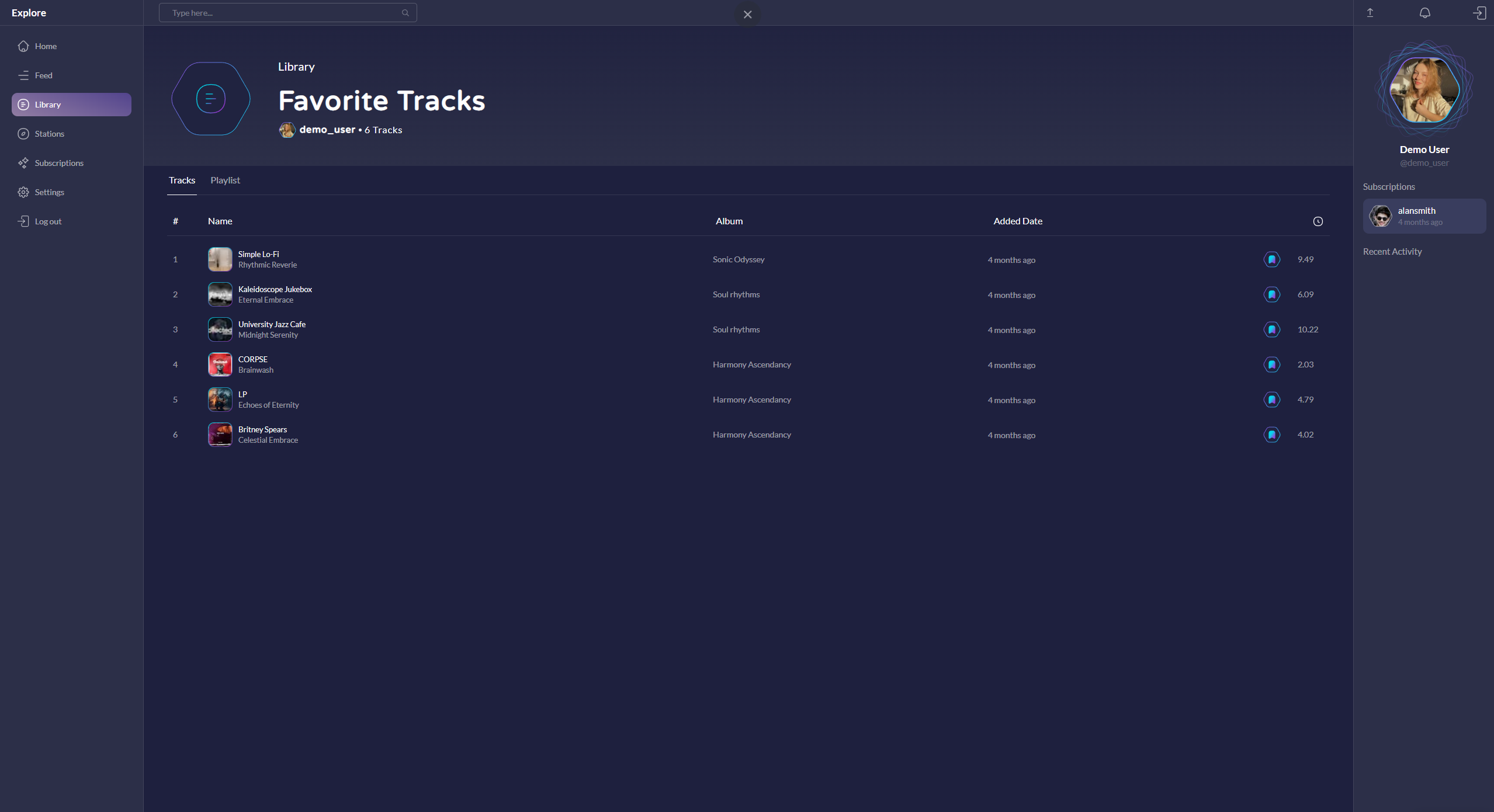
Favorites page
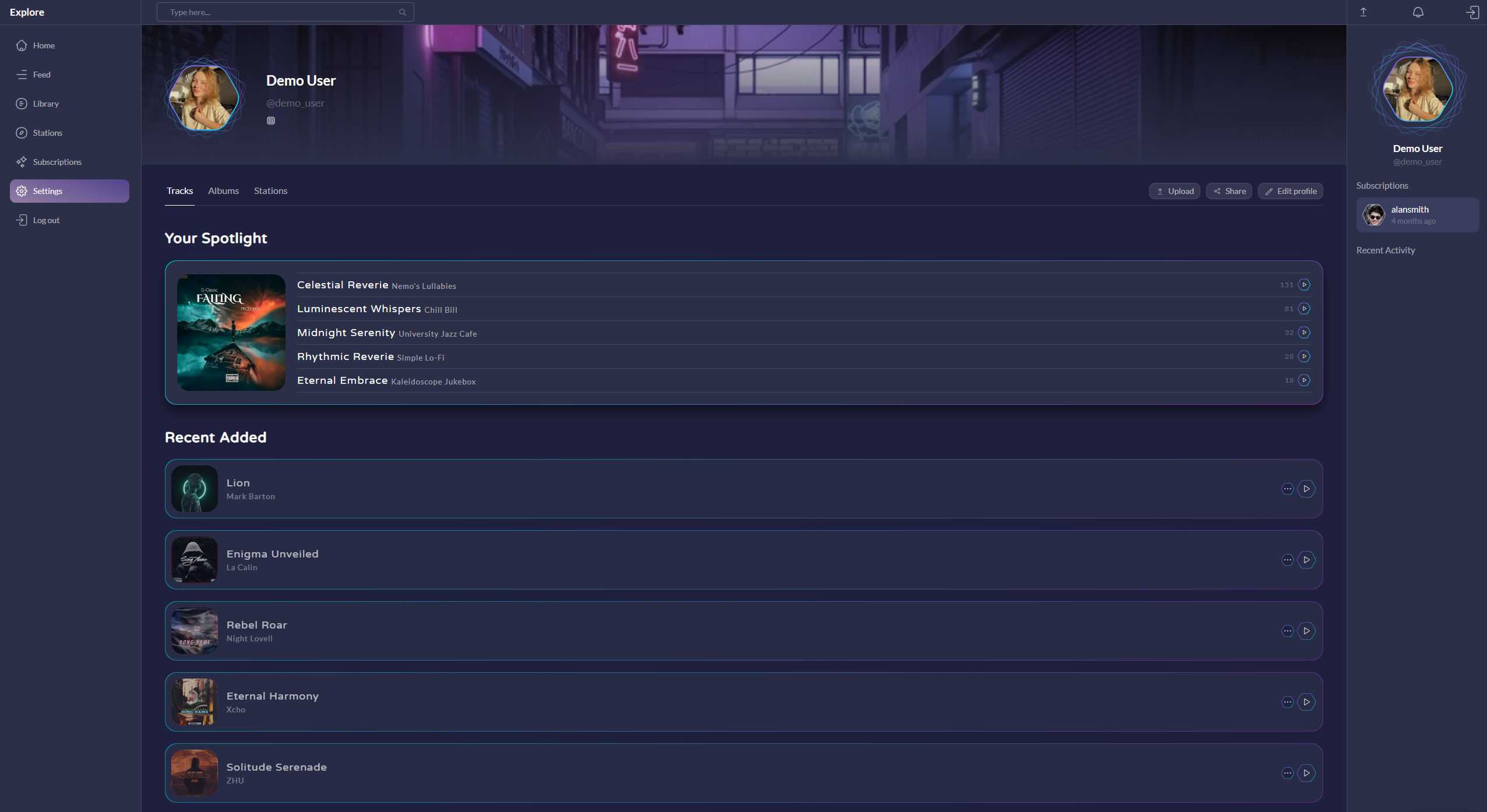
Settings page
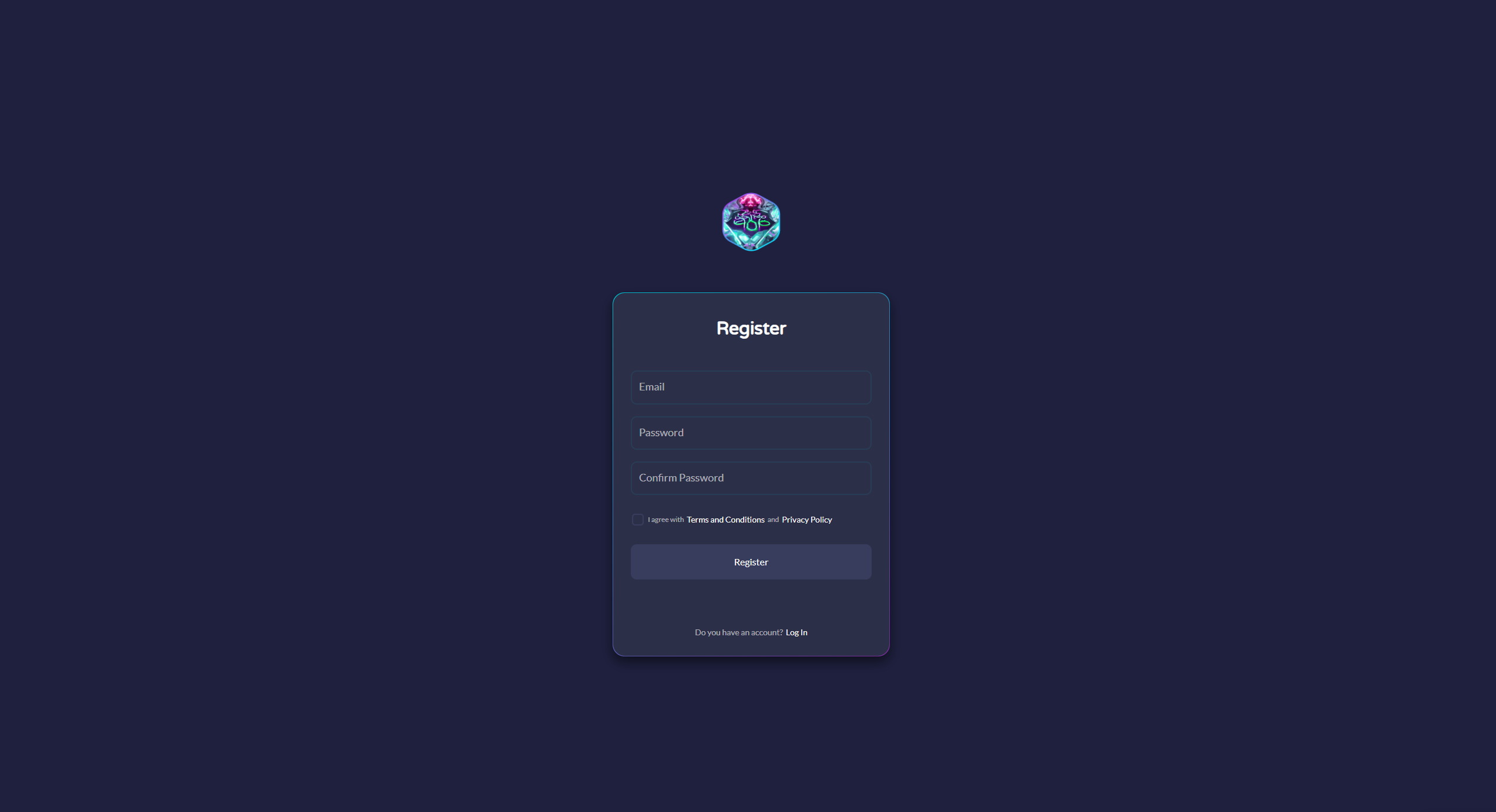
Register page
***
## Template details
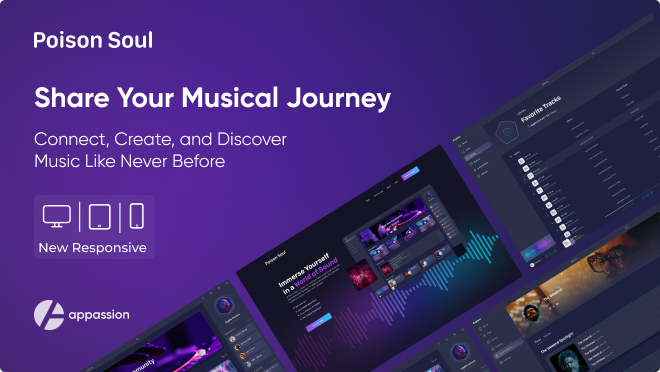
Introducing "Poison Soul" – a groundbreaking platform designed for music enthusiasts to express their creativity and share their musical masterpieces with the world. Whether you're a budding artist looking to showcase your individual tracks or an established musician ready to unveil complete albums, our innovative template, powered by bubble.io, provides an unparalleled experience for users. Dive into a world where passion meets technology, and where every note has the power to captivate and inspire. Join us on "Poison Soul" and let your music resonate with a global audience.
For Users:
**Share Your Music**: Upload and share your tracks or albums effortlessly. Connect with fellow music lovers and build your fanbase.
**Discover New Music**: Explore the diverse range of music from other users. Follow your favorite artists, listen to their tracks, and add them to your library for future enjoyment.
**Stay Updated**: Our notification system keeps you informed about the latest releases from the artists you follow, ensuring you never miss out on new tracks.
**Manage Your Content**: Take control of your music collection by managing your tracks and albums. Add artwork and descriptions, and easily share track or album links with friends.
Our dedicated Appassion team has poured extensive effort into designing and developing this template. We are confident that you will find it visually appealing and user-friendly. Whether you're an aspiring musician or a dedicated listener, "Poison Soul" is here to elevate your music experience. We hope you enjoy using this template as much as we enjoyed creating it. Rock on!
**Poison Soul template features the following:**
✅ Responsive design
✅ Signup/Login
✅ Demo User
✅ User dashboard
✅ Add and edit tracks/albums
✅ Add favorite tracks in library
✅ Manage users subscriptions
✅ Search tracks by different keywords
This template is sold "as is" but if there are any critical bugs, feel free to reach out. Our team will try to fix them ASAP.
We tried to keep all the workflows and design architecture simple for beginner-intermediate users to use and adjust. However, we recommend having at least moderate experience with Bubble to be able to fully use and edit the app’s backend.
{% hint style="warning" %}
***Removing the banner***
***1. Open the app in Bubble editor***
***2. Go to settings -> SEO/Metatags***
***3. Remove the content of "Script in the body"***
{% endhint %}
***
## User flows
**Main Candidate flow:**
-> Sign Up/Login -> Tracks search -> View track/album description -> Ability to add track in your library -> View and manage all your tracks and albums.
***
## Key features
MULTISELECT DROPDOWN
true
RICH TEXT EDITOR
false
MUSIC UPLOAD AND STORAGE
true
PLAYLIST CREATION
true
SOCIAL SHARING AND INTERACTION
true
STREAMING PLAYER
false
## Workflows
### Primary colors and their purposes
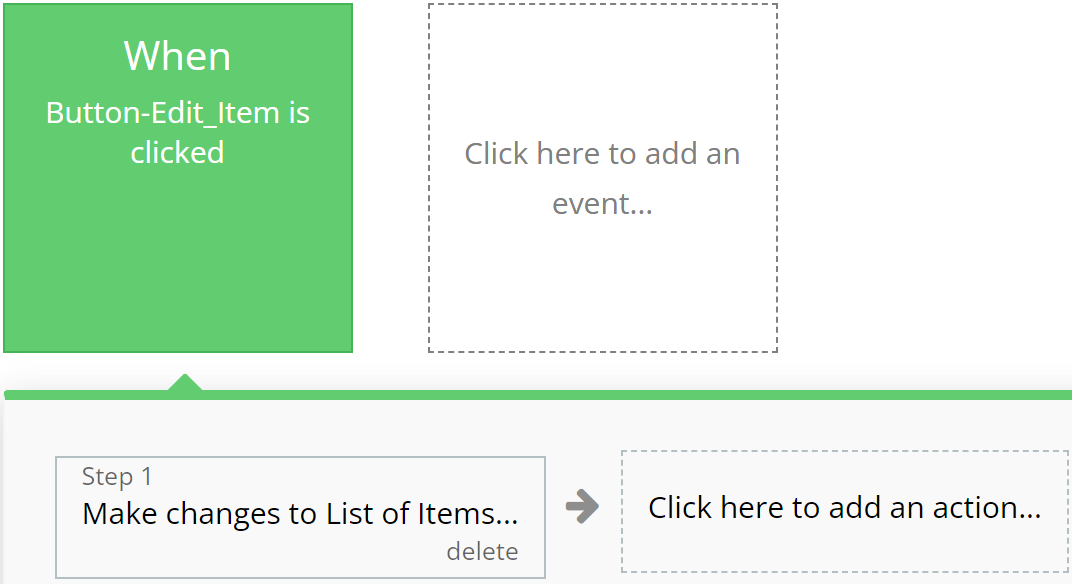
### **Green**
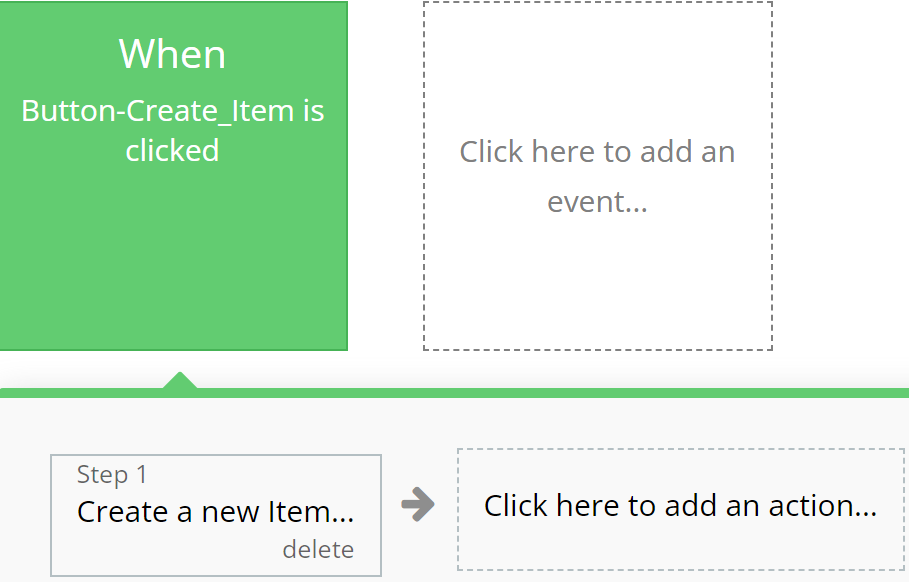
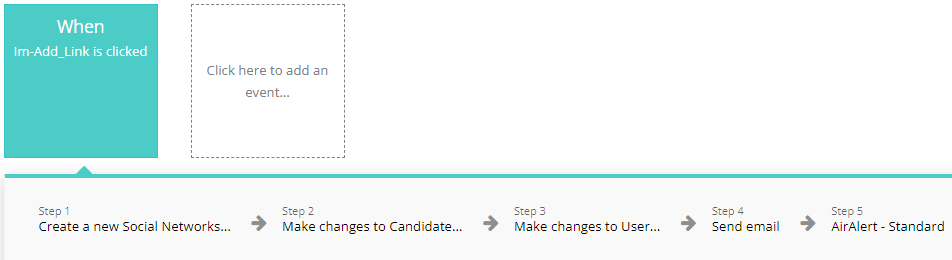
Emphasizes actions related to creating or modifying records in the database, indicating successful operation completion.
**For example:**
{% tabs %}
{% tab title="Example 1" %}
{% endtab %}
{% tab title="Example 2" %}
{% endtab %}
{% endtabs %}
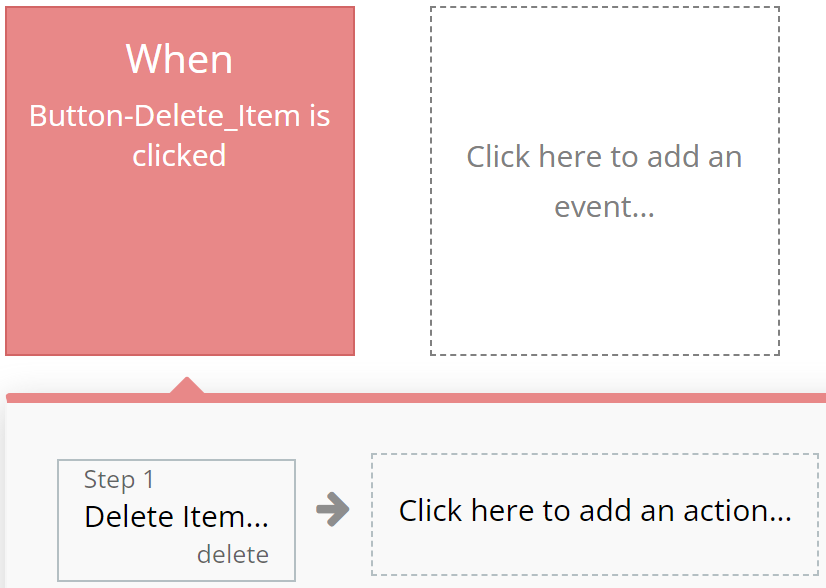
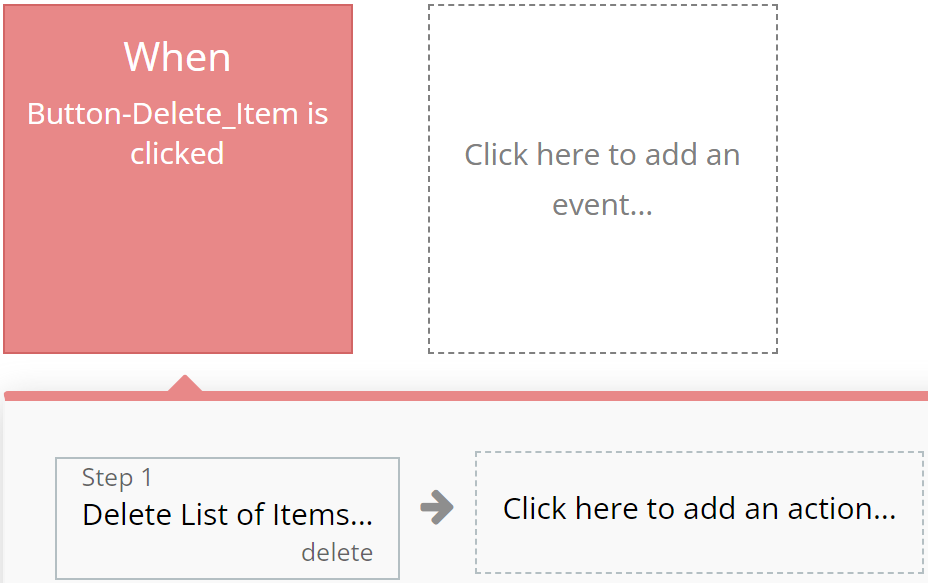
### **Red**
Designated for actions involving deletion or resetting of values, aiding users in quickly identifying them.
**For example:**
{% tabs %}
{% tab title="Example 1" %}
{% endtab %}
{% tab title="Example 2" %}
{% endtab %}
{% endtabs %}
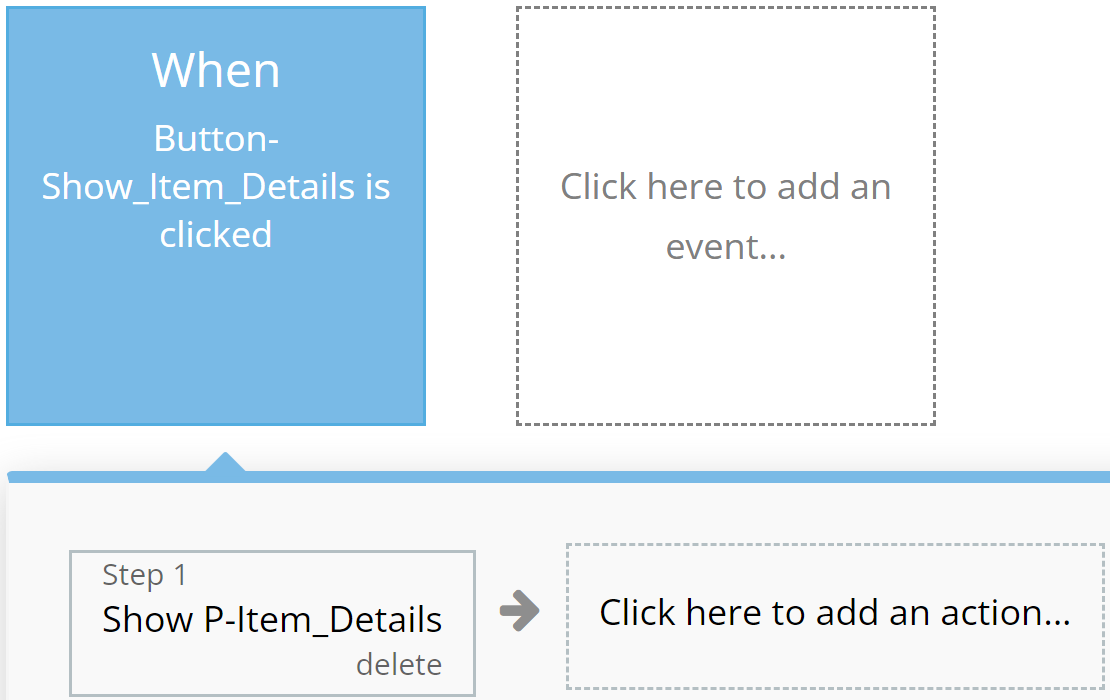
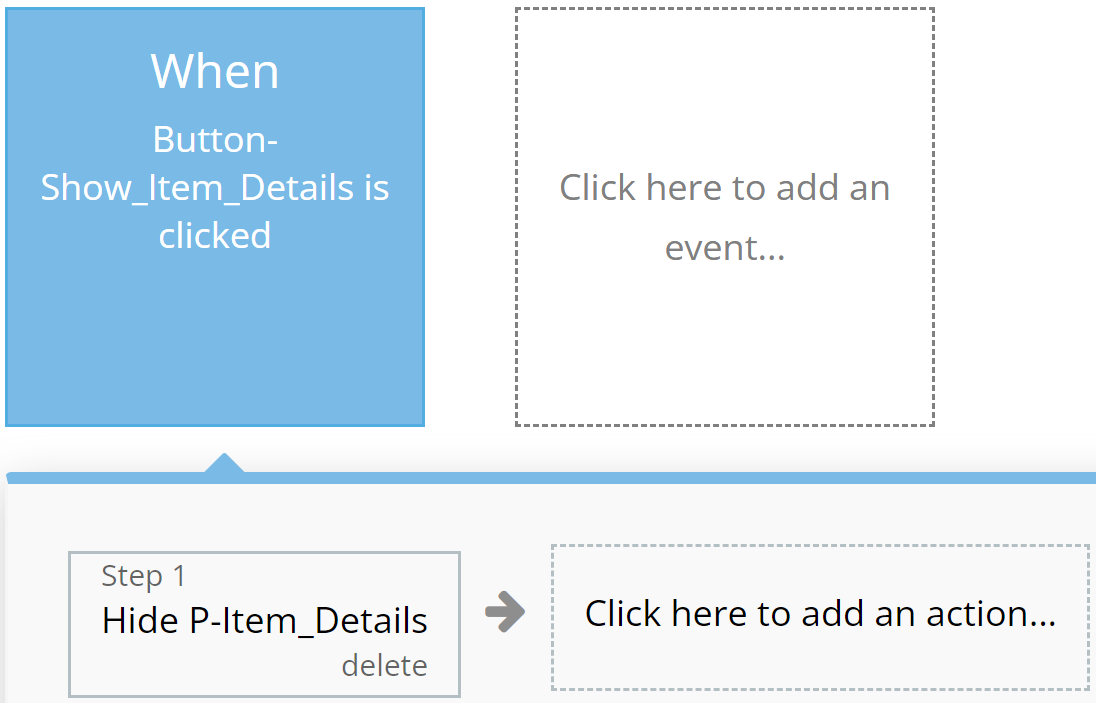
### **Blue**
Reserved for actions that do not impact application resources, such as opening or closing pop-up windows.
**For example:**
{% tabs %}
{% tab title="Example 1" %}
{% endtab %}
{% tab title="Example 2" %}
{% endtab %}
{% endtabs %}
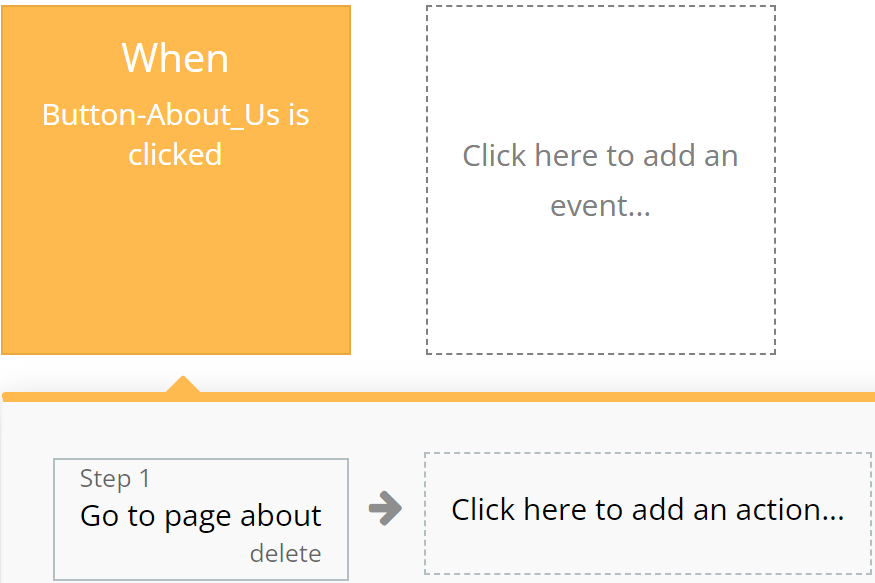
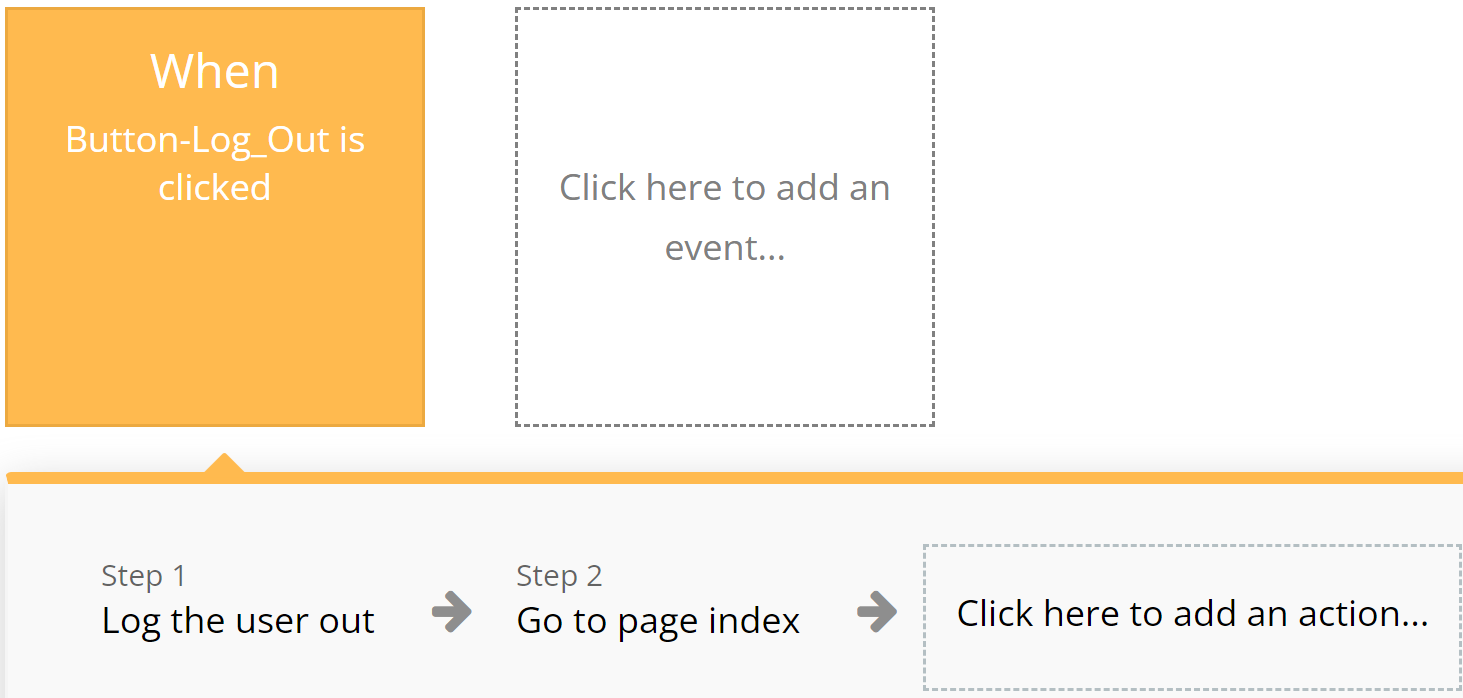
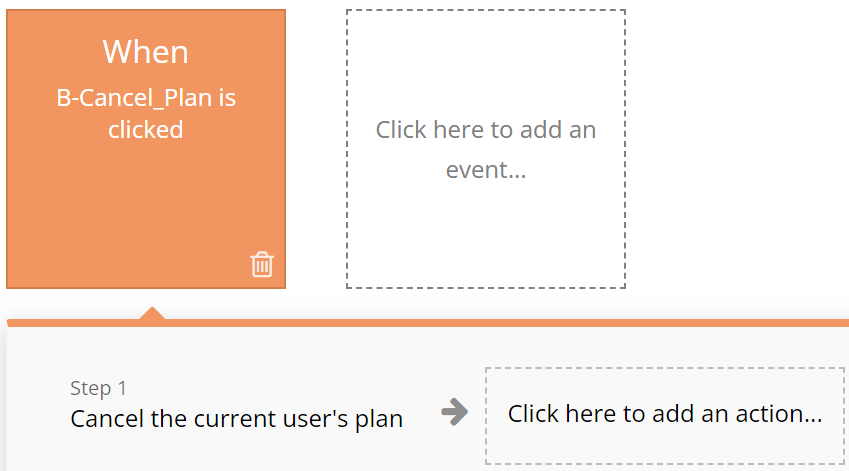
### **Orange**
Used for actions related to app navigation, providing ease of orientation within the interface.
**For example:**
{% tabs %}
{% tab title="Example 1" %}
{% endtab %}
{% tab title="Example 2" %}
{% endtab %}
{% endtabs %}
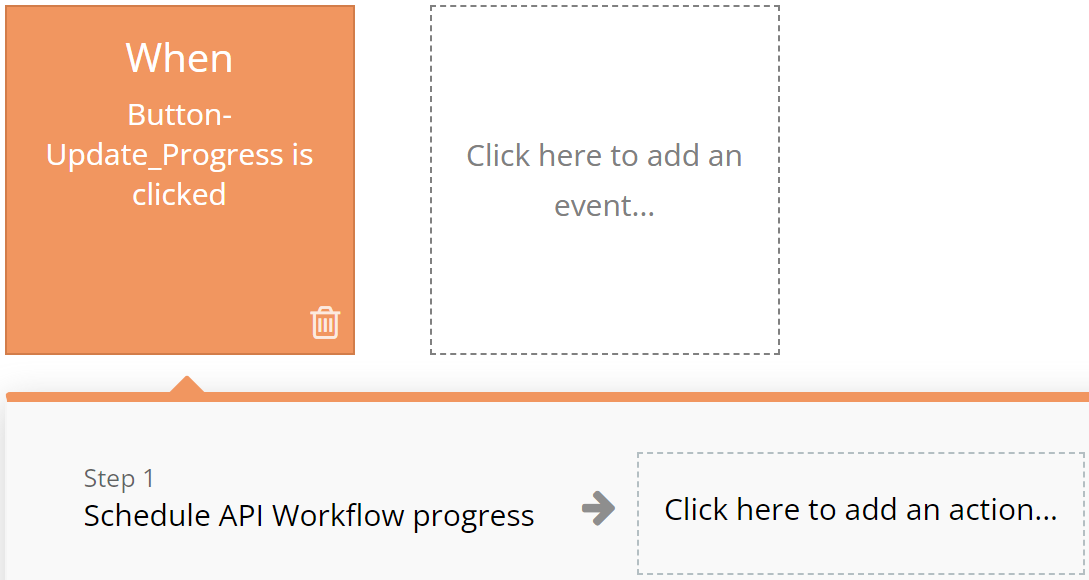
### **Brown**
Utilized for custom workflows and API work, highlighting these actions among others.
**For example:**
{% tabs %}
{% tab title="Example 1" %}
{% endtab %}
{% tab title="Example 2" %}
{% endtab %}
{% endtabs %}
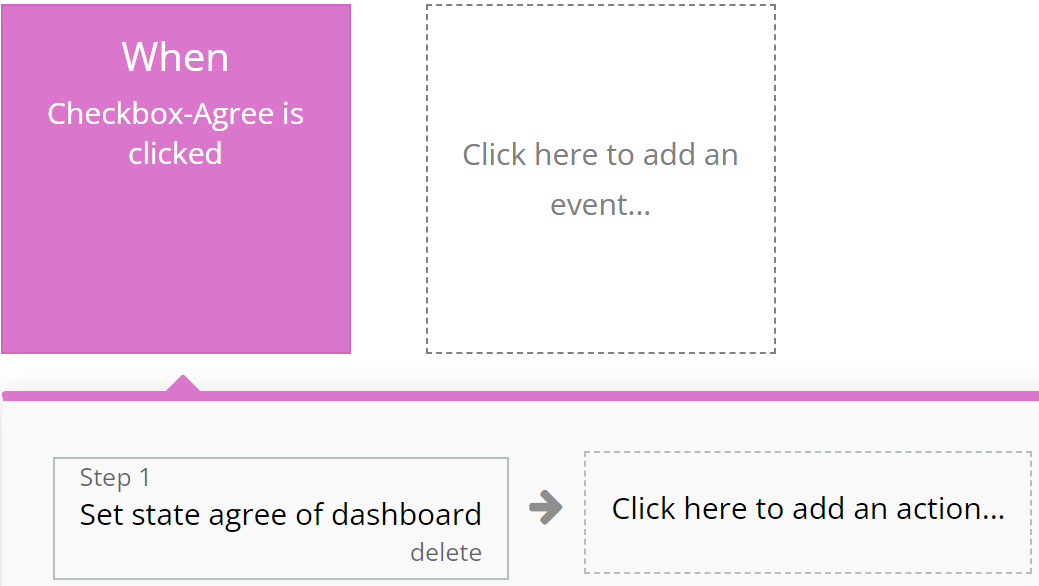
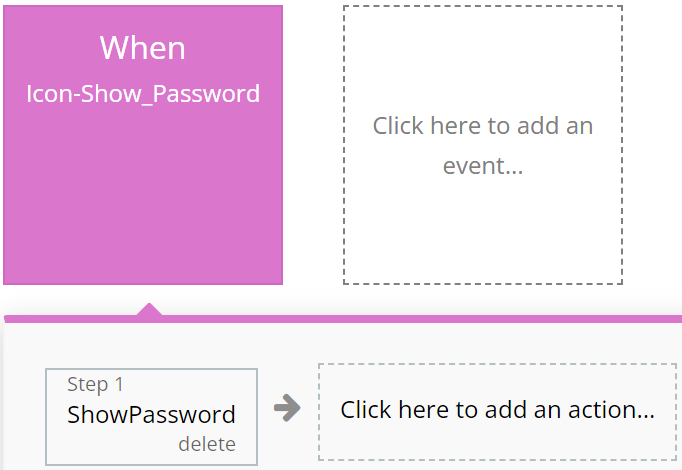
### **Purple**
Left to the developer's discretion for assigning color to actions as they see fit.
**For example:**
{% tabs %}
{% tab title="Example 1" %}
{% endtab %}
{% tab title="Example 2" %}
{% endtab %}
{% endtabs %}
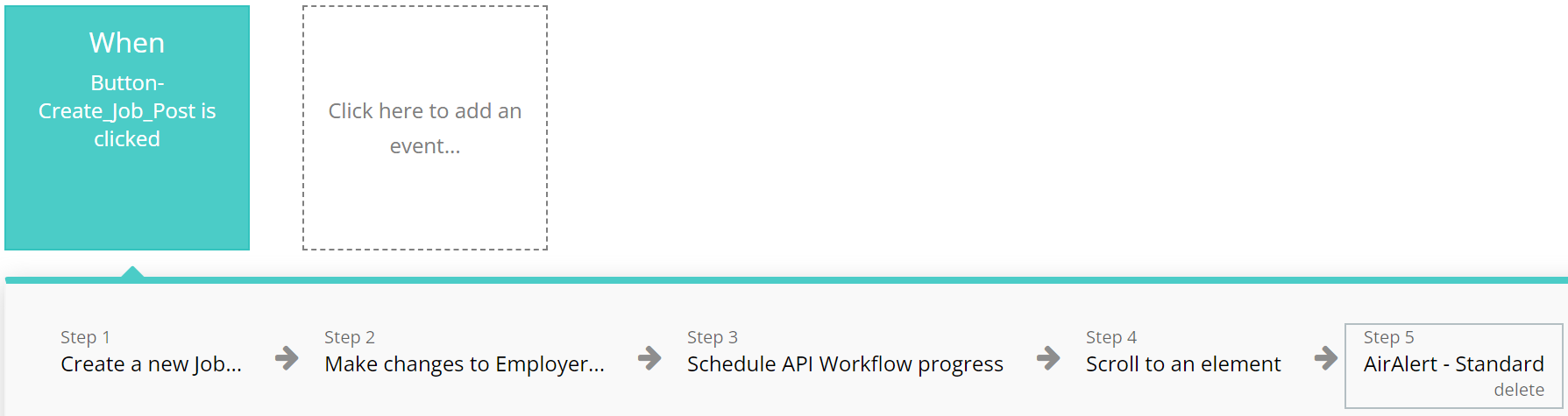
### **Cyan**
**I**ntended for actions involving the use of Custom Events, ensuring ease of perception for complex operations.
**For example:**
{% tabs %}
{% tab title="Example 1" %}
{% endtab %}
{% tab title="Example 2" %}
{% endtab %}
{% endtabs %}
### **Grey**
Employed for all other actions not covered by other colors, aiding in making the interface clear and balanced.
For example:
{% tabs %}
{% tab title="Example 1" %}
{% endtab %}
{% endtabs %}
{% hint style="warning" %}
These standards are purely recommendations. Possible discrepancies do not affect the functionality of the application.
{% endhint %}
***
## Pages
*Below, you will find a list of all the pages available on this platform, along with a brief description of their functionality.*
\ **Index:** Explore our landing page for insights on the template, featuring descriptions, advantages, informations, frequently asked questions, about us, support and how to contact us.
**Info:** This page contains information about Privacy Policy, Terms & Conditions and Frequent Asked Questions.
**Main:** An user's dashboard providing essential and up-to-date information.
* The "Home" tab compiles general information about Featured Stations, Popular Artists and Charts with Top 25 songs.
* The "Feed" tab compiles information about the latest posts from the people you follow.
* The "Library" tab compiles information about Tracks and Playlists that have been added to favorites.
* The "Stations" tab compiles information about stations on the site.
* The "Subscriptions" tab compiles information about subscriptions with the possibility to watch tracks and albums.
* The "Settings" tab compiles information about tracks, albums and stations added, and also the possibility to add something new or change profile data.
**Create\_Profile:** This page compiles information that is used when the user creates an account where he has to enter the necessary data to create the count.
**Login:** This page is used when the user wishes to log in to the site.
**Reset Password:** Effortlessly reset your password and receive updated login credentials for seamless access.
***
## Reusable elements
1. **Song Options**- this is a visible element used to pause the song, select the next or previous song. Used in the page main.
2. **Footer** - a section at the bottom of a web page containing additional information such as contacts and links. Found on all application pages.
3. **Header** - the top part of a web page containing the logo, application name, navigation elements, and other important components. Found on all application pages.
***
## Data Types
### Album
This data type is designed for displaying information about Album.
| Field name | | |
| ------------- | -------------------------- | ------------------------- |
| `Artists` | `List of` [`Users`](#user) | Album artists username |
| `Description` | `Text` | Album description content |
| `Duration` | `Number` | Album duration |
| `Image` | `Image` | Album image |
| `Songs` | `List of` [`Songs`](#song) | Album songs |
| `Title` | `Text` | Album name |
### Follower
This data type is designed for displaying information about Follower.
| Field name | | |
| --------------- | --------------- | ----------------- |
| `Followed User` | [`User`](#user) | Follower username |
| `Follower` | `Number` | Follower number |
| `Following` | `Number` | Following number |
### Link
This data type is designed for displaying information about Link.
| Field name | | |
| ---------- | ------------------------------------------------------------------------------------------- | ----------- |
| `Social` |
| Social name |
| `URL` | `Text` | Social link |
### Notifications
This data type is designed for displaying information about Notifications.
| Field name | | |
| ------------ | --------------------------------------------------------- | ------------------------- |
| `Note` | `Text` | Notification note content |
| `Type` | `Option set:` [`Notifications Type`](#notifications-type) | Notification type |
| `User` | [`User`](#user) | Notification username |
| `User views` | `List of` [`Users`](#user) | Notification user viewed |
### Playlist
This data type is designed for displaying information about Playlist.
| Field name | | |
| ------------- | -------------------------- | ---------------------------- |
| `Description` | `Text` | Playlist description content |
| `Image` | `Image` | Playlist image |
| `Songs` | `List of` [`Songs`](#song) | Playlist sosngs |
| `Title` | `Text` | Playlist name |
### Song
This data type is designed for displaying information about Song.
| Field name | | |
| -------------- | ---------------------------------------------------------------------------- | ----------------------- |
| `Album` | `Album` | Song album name |
| `Artist New` | `Text` | Song new artinst |
| `Artists` | `List of` [`Users`](#user) | Song artists |
| `Description` | `Text` | Song description contnt |
| `Duration` | `Number` | Song duration |
| `File` | `File` | Song file |
| `Genre` |
| Song genre |
| `Image` | `Image` | Song image |
| `Played Times` | `Number` | Song played times |
| `Save` | `Yes/No` | Song save status |
| `Title` | `Text` | Song name |
| `Top` | `Number` | Song top number |
### Station
This data type is designed for displaying information about Station.
| Field name | | |
| ------------- | ---------------------------------------------------------------------------------------------------- | ------------------- |
| `Category` |
| Station category |
| `Description` | `Text` | Station description |
| `Image` | `Image` | Station image |
| `Songs` | `List of` [`Songs`](#song) | Station songs |
| `Title` | `Text` | Station name |
### User
This data type is designed for displaying information about User.
| Field name | | |
| ----------------- | ---------------------------- | --------------------------- |
| `City` | `Text` | User city name |
| `Country` | `Text` | User country |
| `Cover Image` | `Image` | User cover image |
| `Description` | `Text` | User description |
| `Favorite Albums` | `List of` [`Albums`](#album) | User favorite albums |
| `Favorite Songs` | `List of` [`Songs`](#song) | User favorite songs |
| `First Name` | `Text` | User first name |
| `Follower` | `List of` [`Users`](#user) | User follower users |
| `Following` | `List of` [`Users`](#user) | User following users |
| `Last Name` | `Text` | User last name |
| `Nickname` | `Text` | User nickname |
| `Profile Image` | `Image` | User profile image |
| `Prfile Created` | `Yes/No` | User profile created status |
| `Volume` | `Number` | User volume |
| `Email` | `Text` | User email |
***
## Option sets
#### Empty Track Cover
* 1
* 2
* 3
* 4
* 5
#### FAQ
* How do I upload my own albums and tracks on Poison Soul?
* What is the duration of your onboarding process?
* What industries do you have experience working with?
* How does staff augmentation differ from traditional outsourcing?
* How do you ensure communication and collaboration between the staff augmentation team and our in-hou
#### Genres
* Pop
* Hip Hop
* Rock
* Rythm and Blues
* Blues
* Soul
* Reggae
* Country
* Funk
* Folk
* Middle Eastern
* Jazz
* Disco
* Classical
* Electronic
* Latino
* Dance
* For Children
* New Age
* Vocal
* African
* Asiatic
* Christian
* Ska
* Traditional
* Independent
#### Icon SVG
* Trash
* More
* Info
* Edit
#### Nav Info
* Privacy Policy
* Terms and Conditions
* Frequent Questions
#### Nav Landing
* Home
* Work
* About
* FAQ
* Contact
#### Notifications Type
* Follow
* New Track
#### Placeholder Images
* Profile Image
* Track Cover
* Album Cover
#### Social Links
* Facebook
* Instagram
* Twitter
* Youtube
#### Station Categories
* Party
* Study
* Sleep
* Meditation
***
The template is available in its current form, however, further alterations can be negotiated.
Don't hesitate to reach out to us with any questions, and we'll gladly explore options to accommodate your concepts – Visit us at [https://appassion.io/](https://appassion.io/) or email us at
**We are always at your service through:** [Upwork](https://www.upwork.com/agencies/1472948949083369472/), [Clutch](https://clutch.co/profile/appassion#highlights).